

CT on Mageia 6
- Details
- Category: CodeTyphon Host OSes
- Published: Monday, 17 July 2017 17:28
- Written by Administrator
- Hits: 21489
We test Lab CodeTyphon 6.20 on Mageia 6
Mageia is a fork of Mandriva Linux formed in September 2010 by former employees and contributors to the popular French Linux distribution. Unlike Mandriva, which is a commercial entity, the Mageia project is a community project and a non-profit organisation whose goal is to develop a free Linux-based operating system.
More for Mageia OS here 
System: Middle level PC with 1 CPU (8-Cores) / 8 Gbyte RAM / 120 Gbytes Hard Disk / 1600x1200 pixels Monitor
OS : Mageia 6 64bits with MATE as frontend Desktop
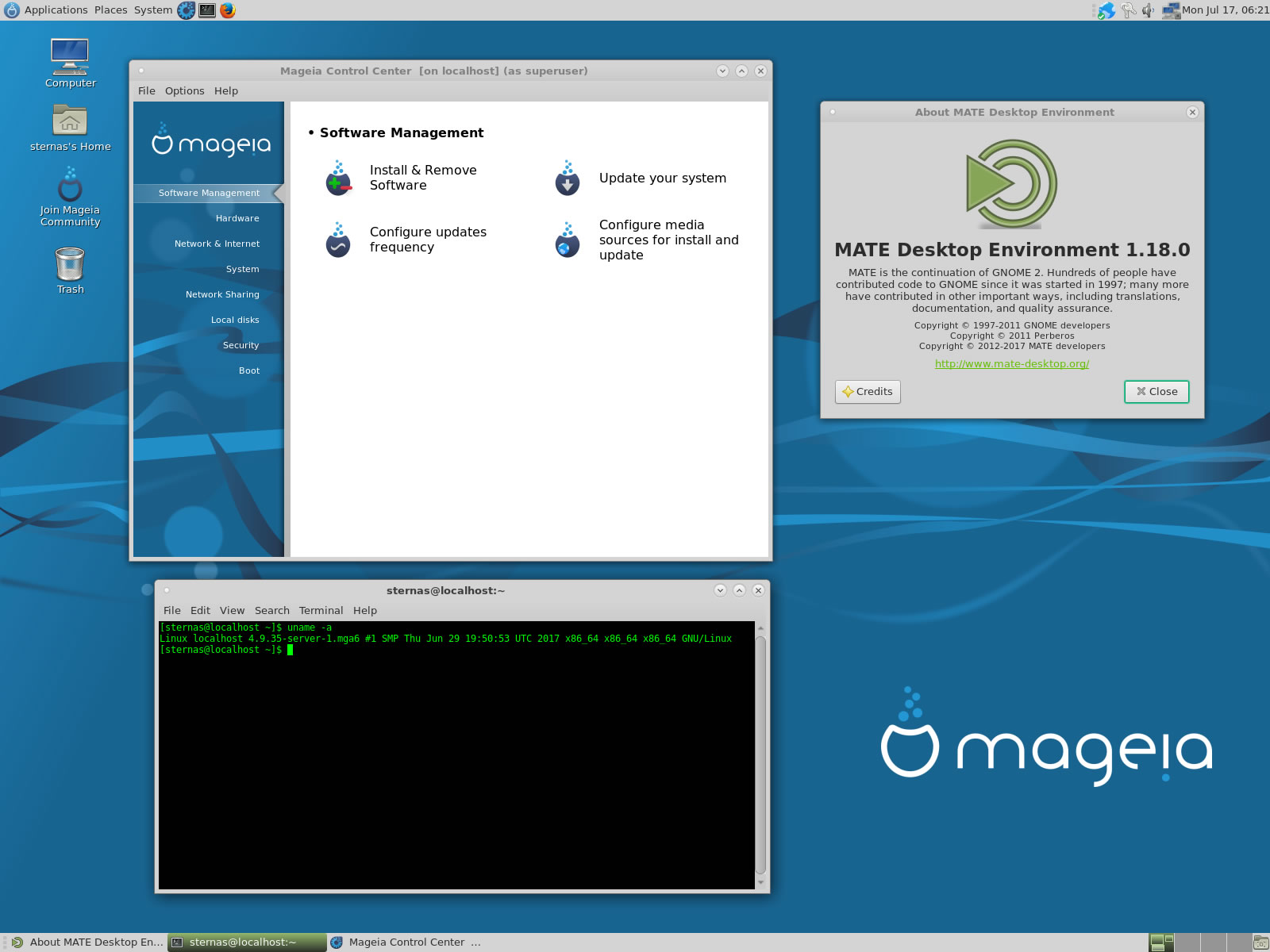
1. OS things and stuff..
Mageia 6 Linux is a true Multi-CPU and Multi-Platform OS.
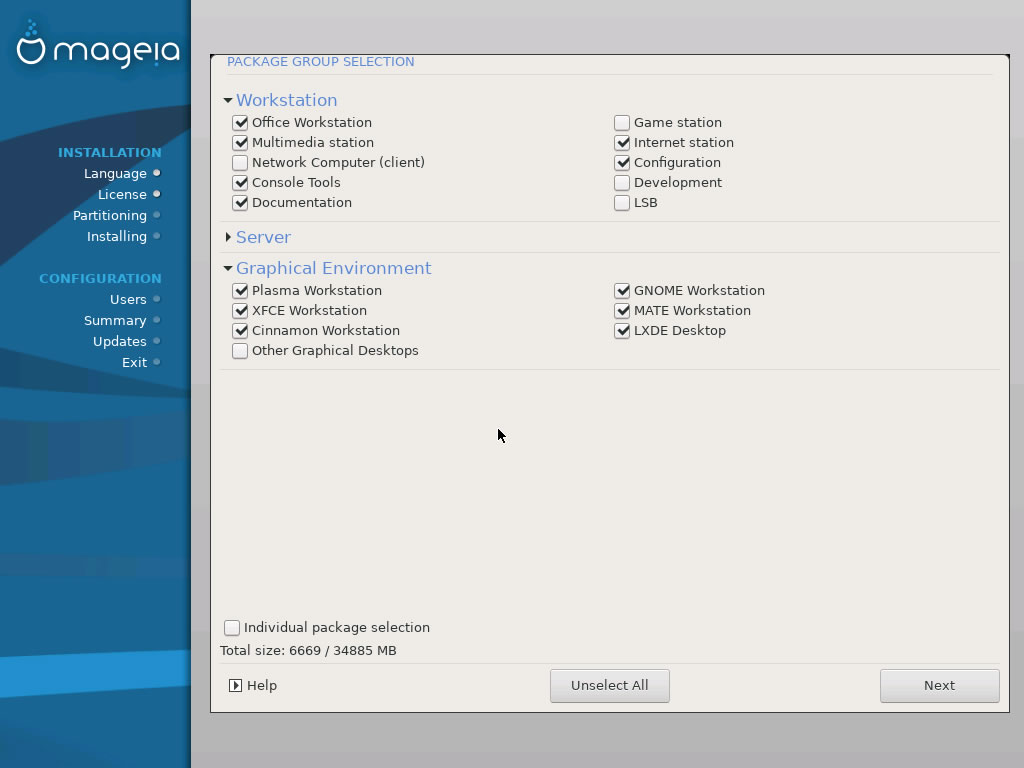
We install all big Desktops in this installation
GNOME 3, Xfce, KDE (QT5), Cinnamon, MATE and LXDE
2. Preparation-Give "sudo" root privileges
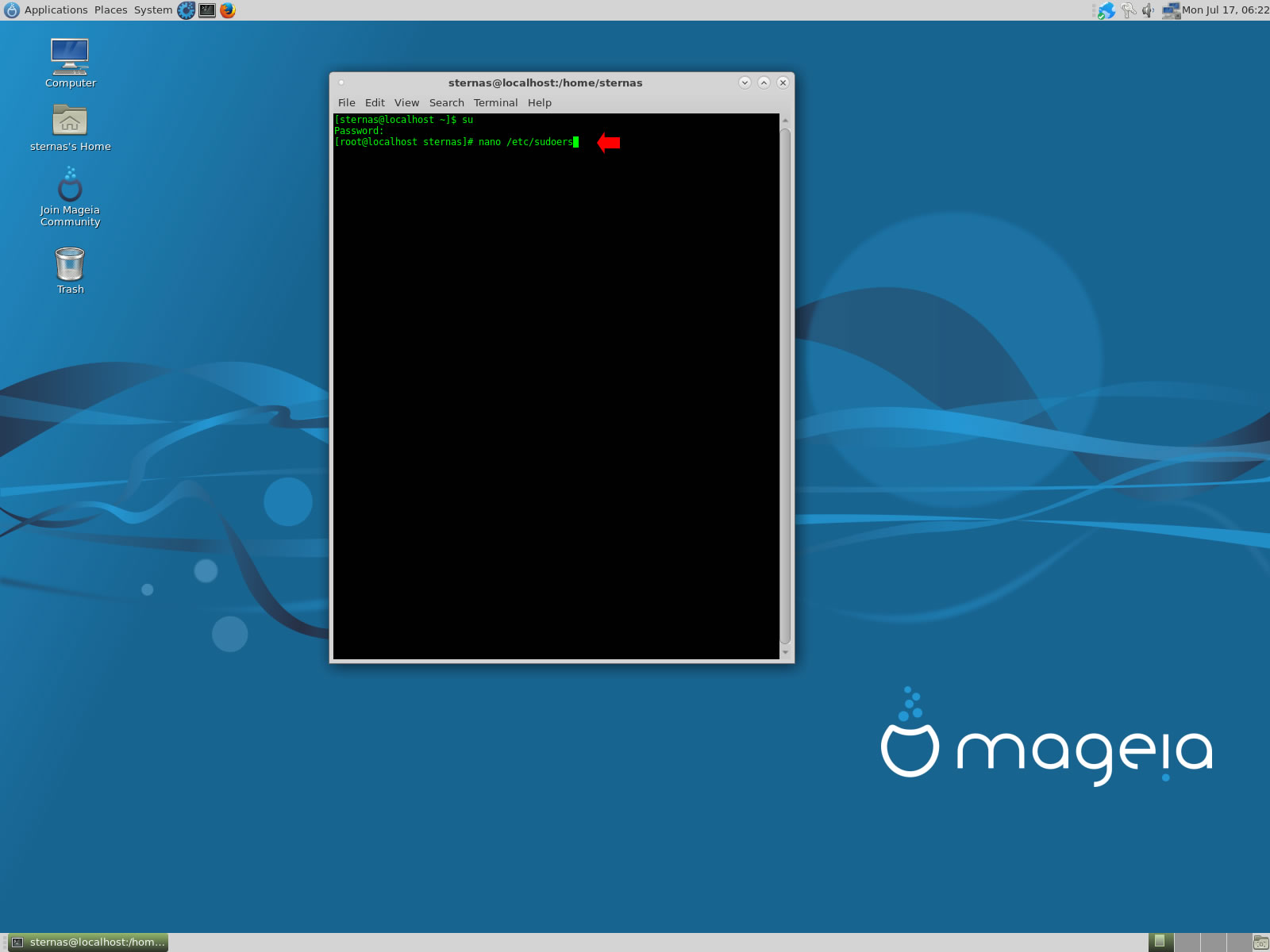
Open a terminal and exec
sudo nano /etc/sudoers
add at the end of /etc/sudoers the line
username ALL=(ALL) NOPASSWD: ALL
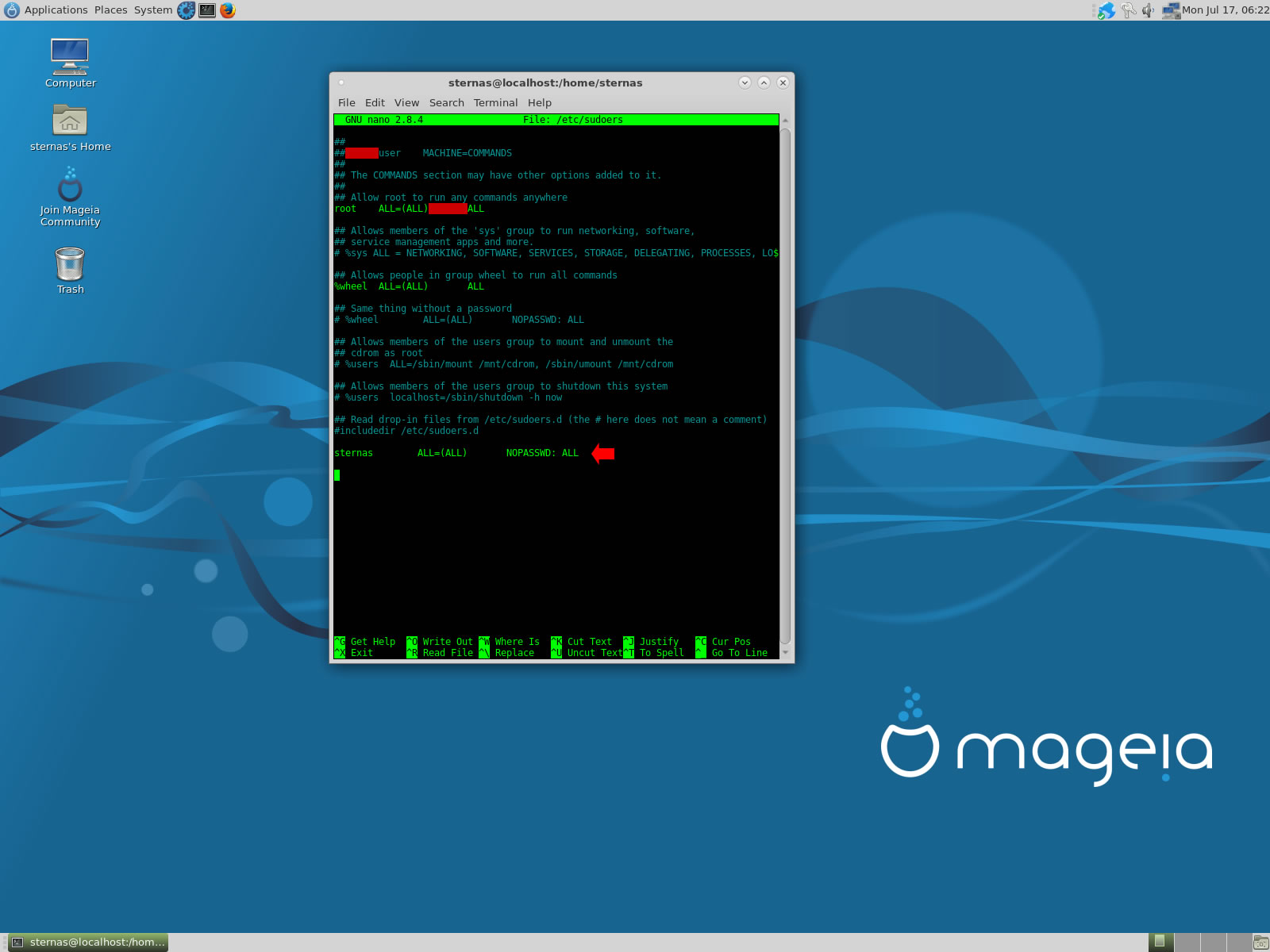
Ctl-X to exit and Y to save
3. Download-Unzip-Install
Download CodeTyphonIns.zip and unzip to your home directory
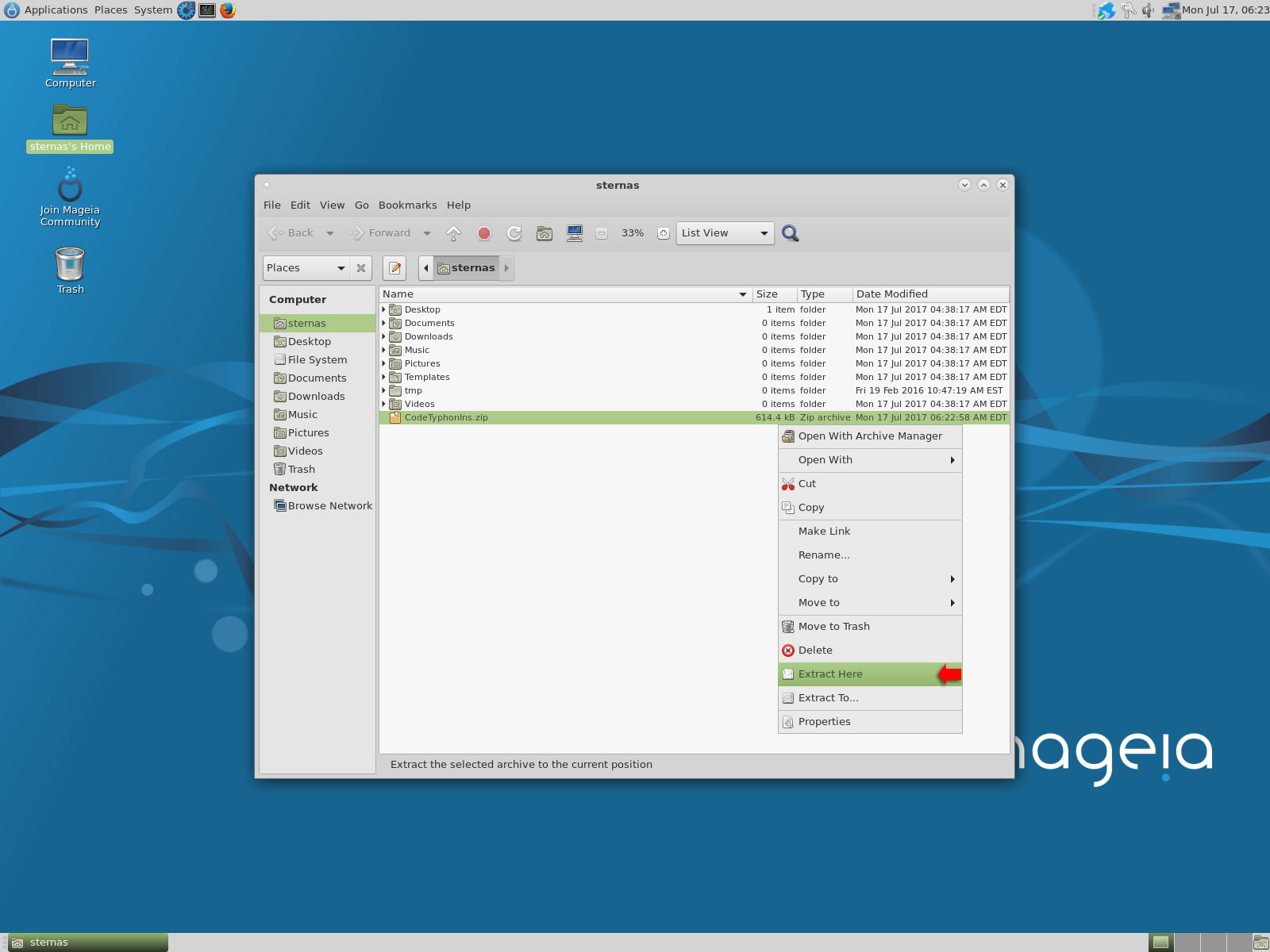
Open a terminal, and go to new CodeTyphonIns directory
cd CodeTyphonIns
Start CodeTyphon Installation with command
sh ./install.sh
Give zero "0" to Install CodeTyphon
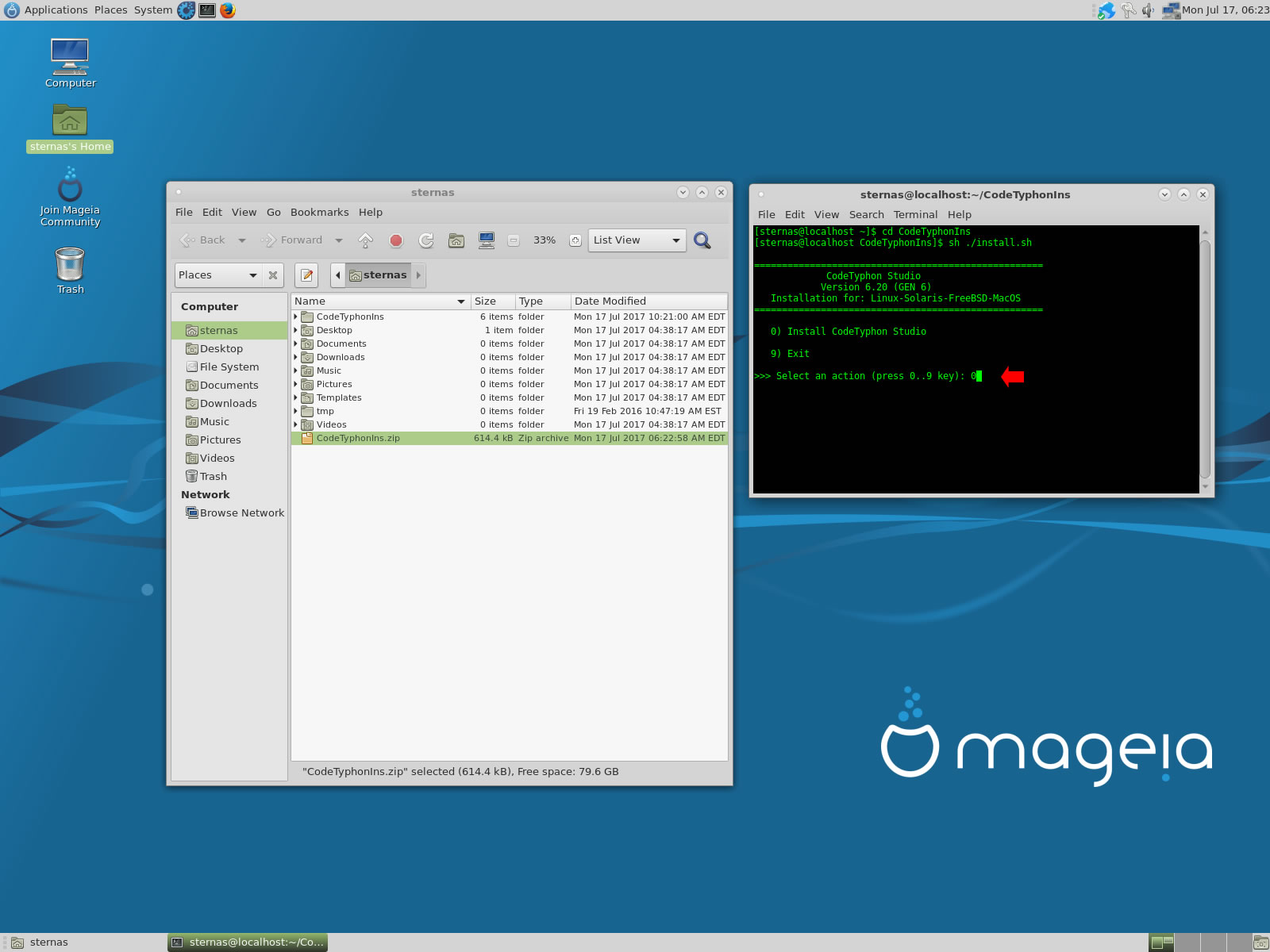
4. Setup and Build (for GTK2)
After CT install you can start CTCenter or to continue with the open terminal
We select "MultiArch" option but this is our choice.
 Please remember Mageia 6 + CodeTyphon Multiarch need more than 30 Gbites on your Hard Disk
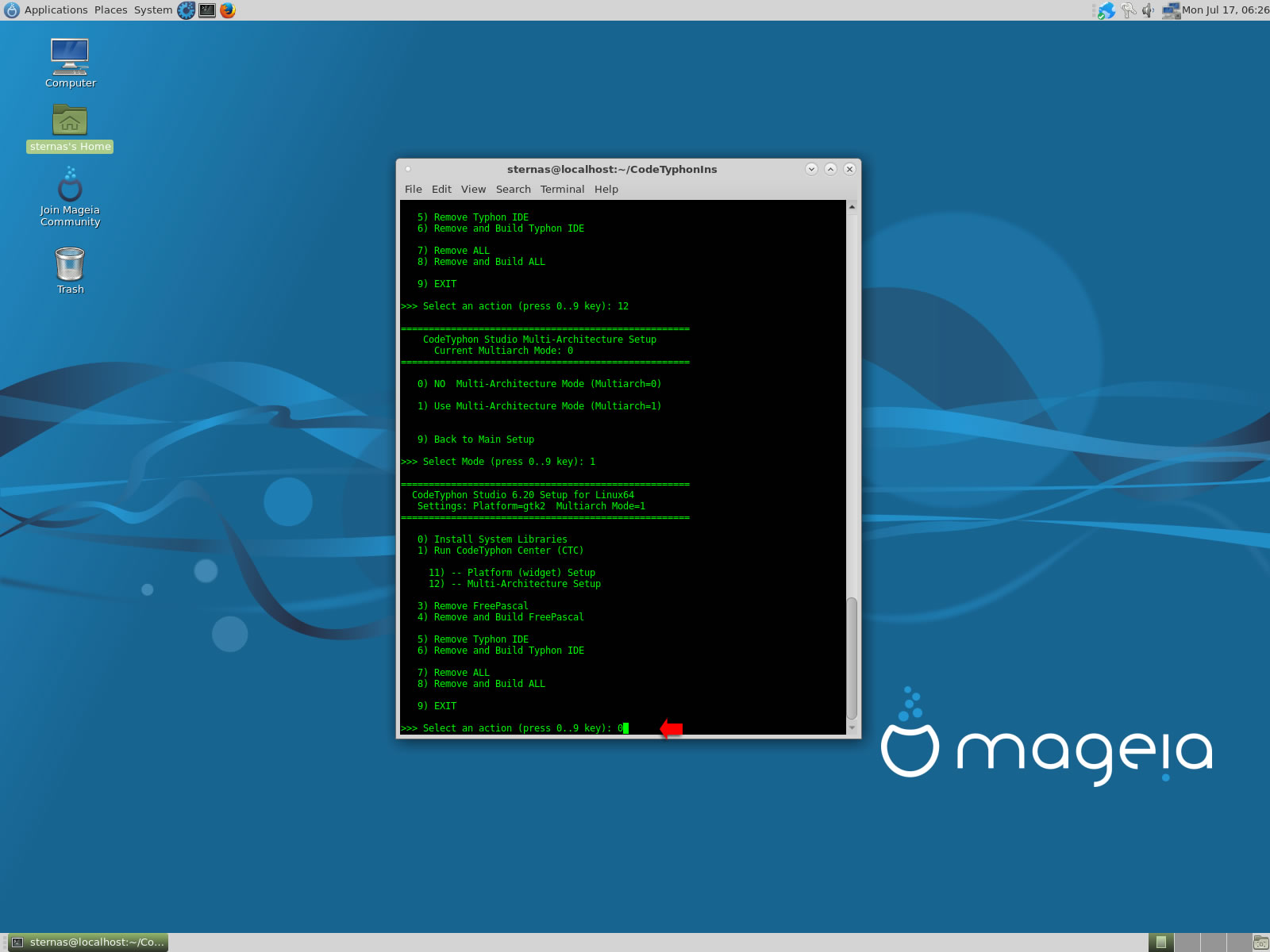
Select "12" for Multi-Architecture Setup page
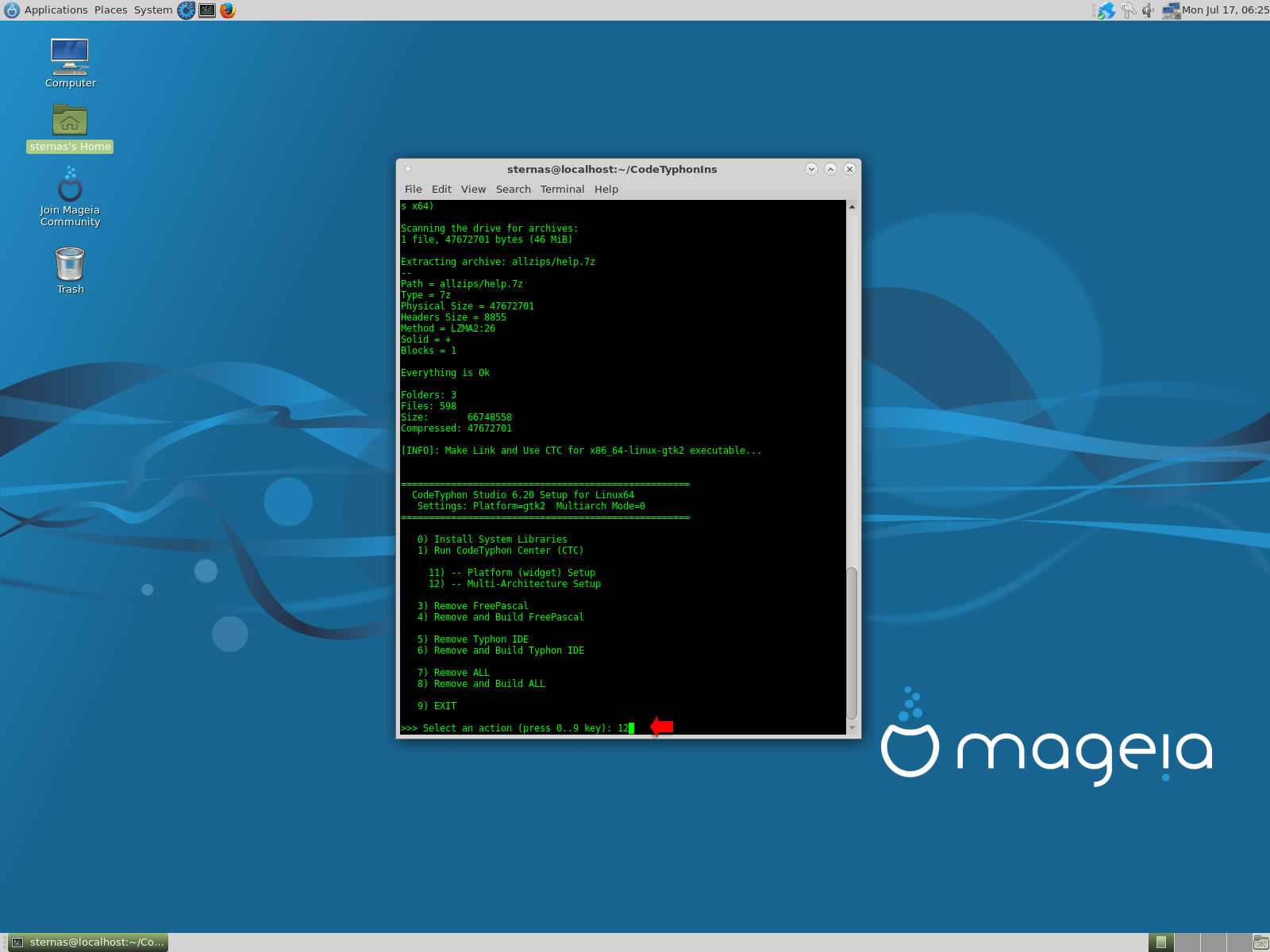
Select "1" to enable Multi-Arch
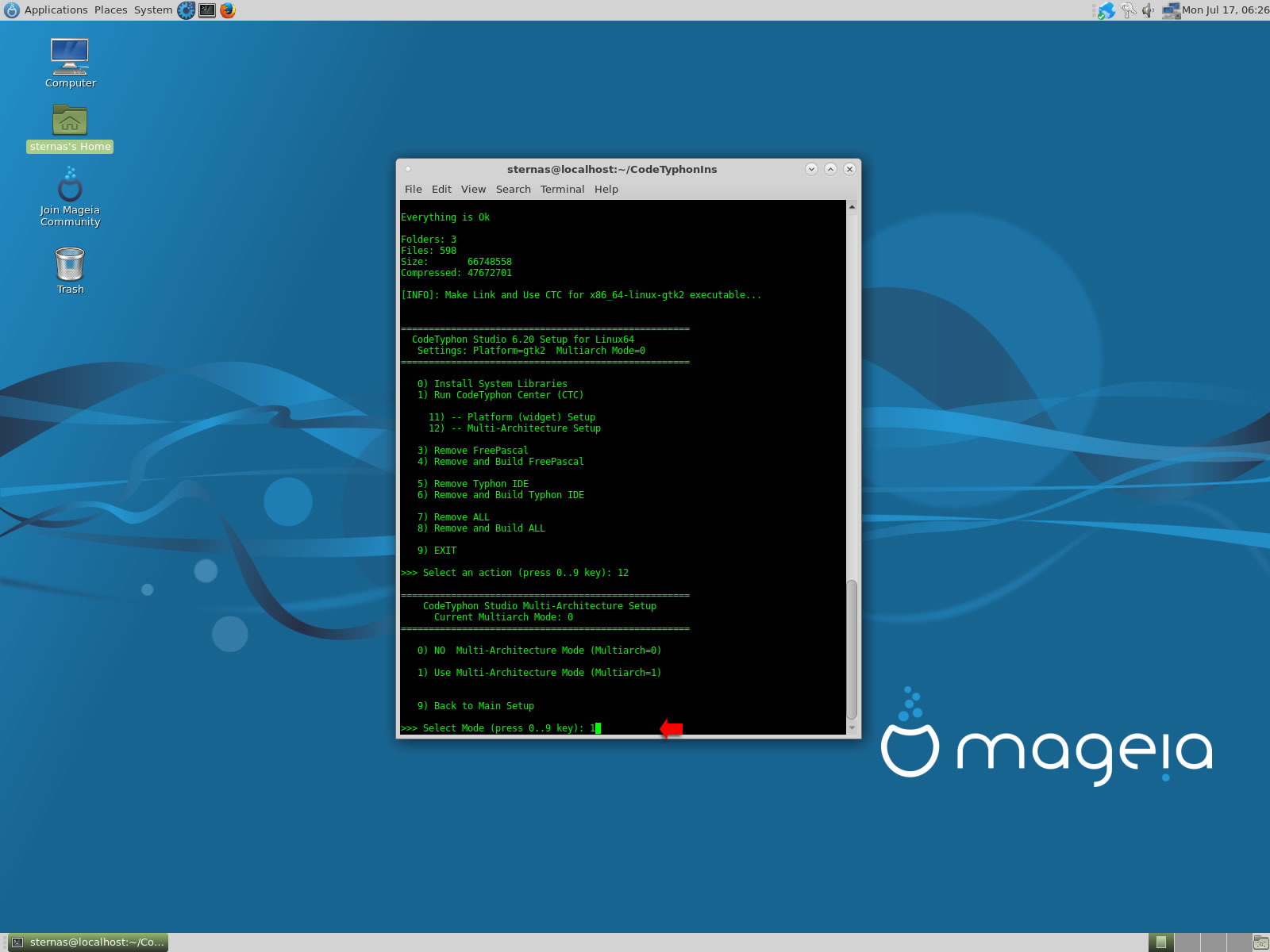
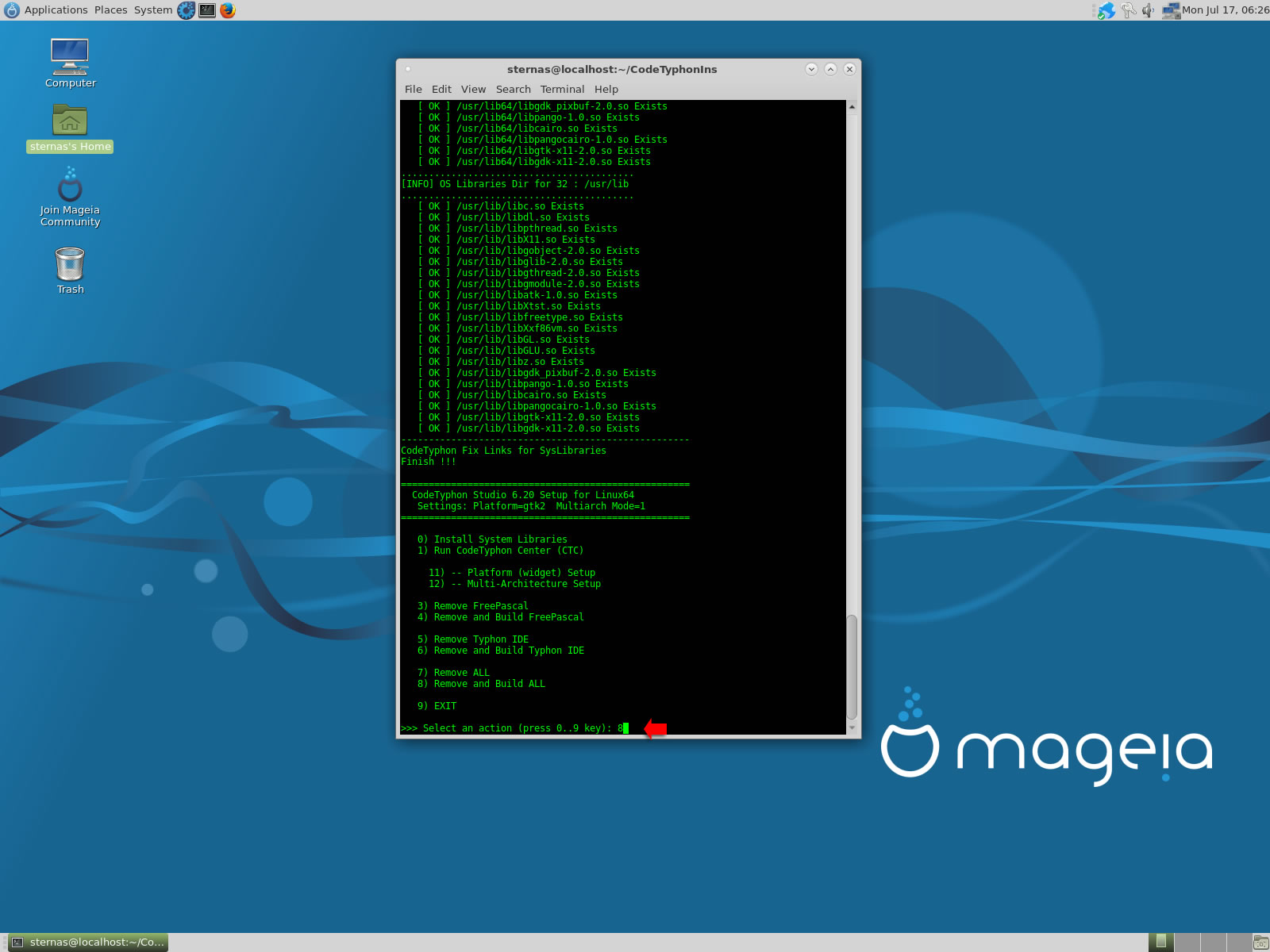
It's the first installation of CodeTyphon on this PC, so we install "system libraries" select "0".
Select "8" to build all...
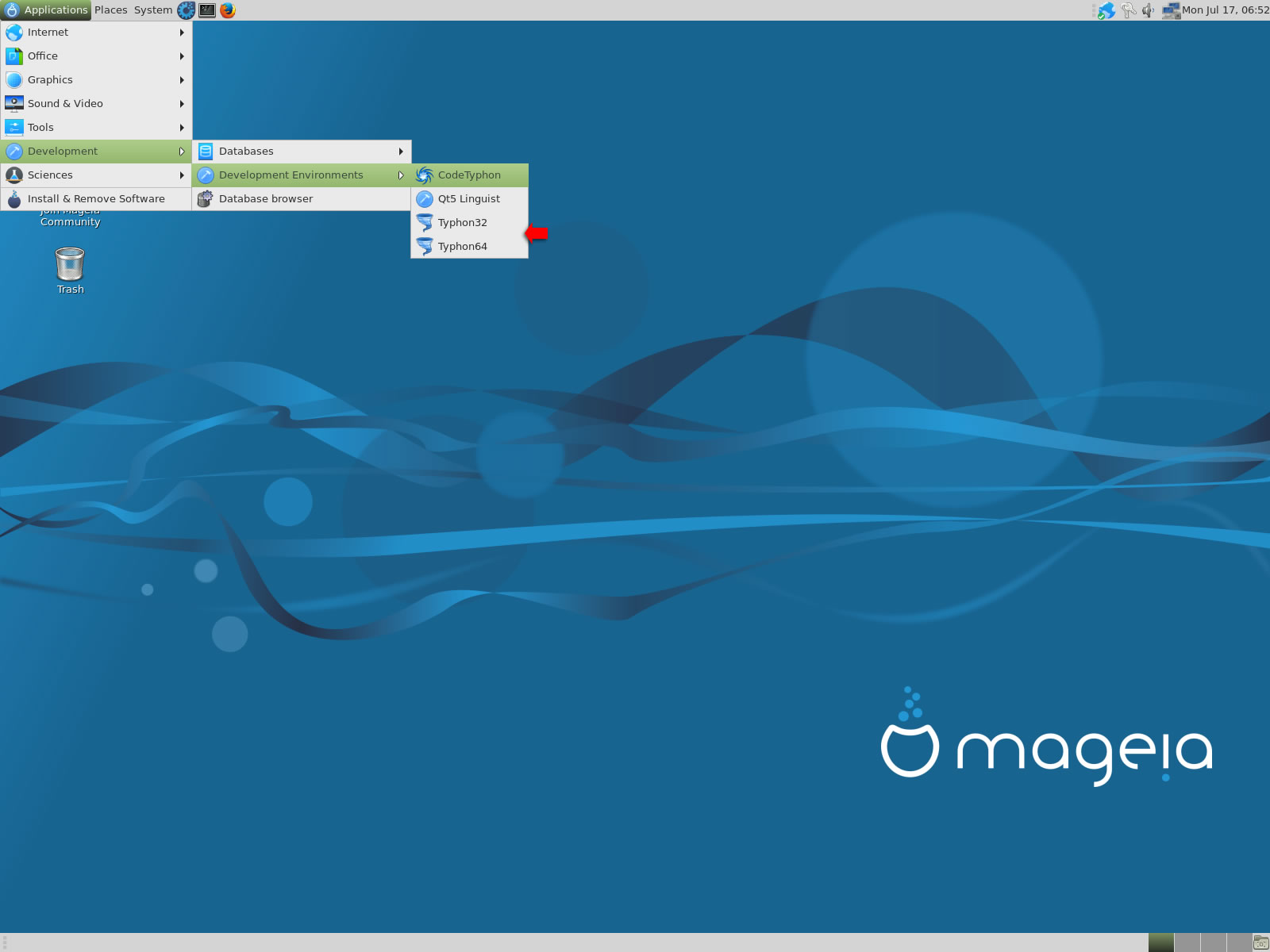
5. Finally
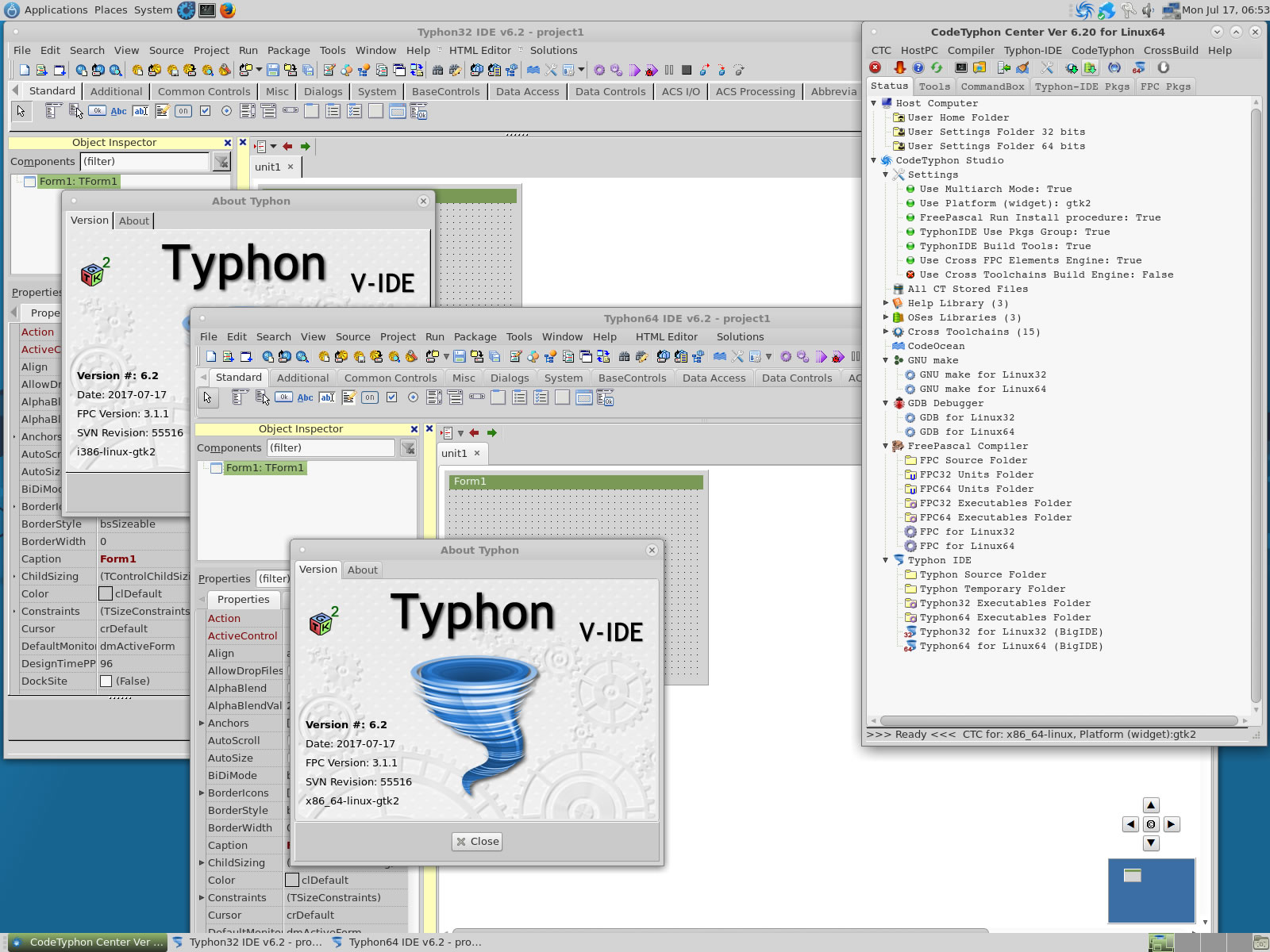
CTCenter, Typhon32 and Typhon64 for GTK2, with ALL Docked Option (single Window)
6. Libraries tests (GTK2)
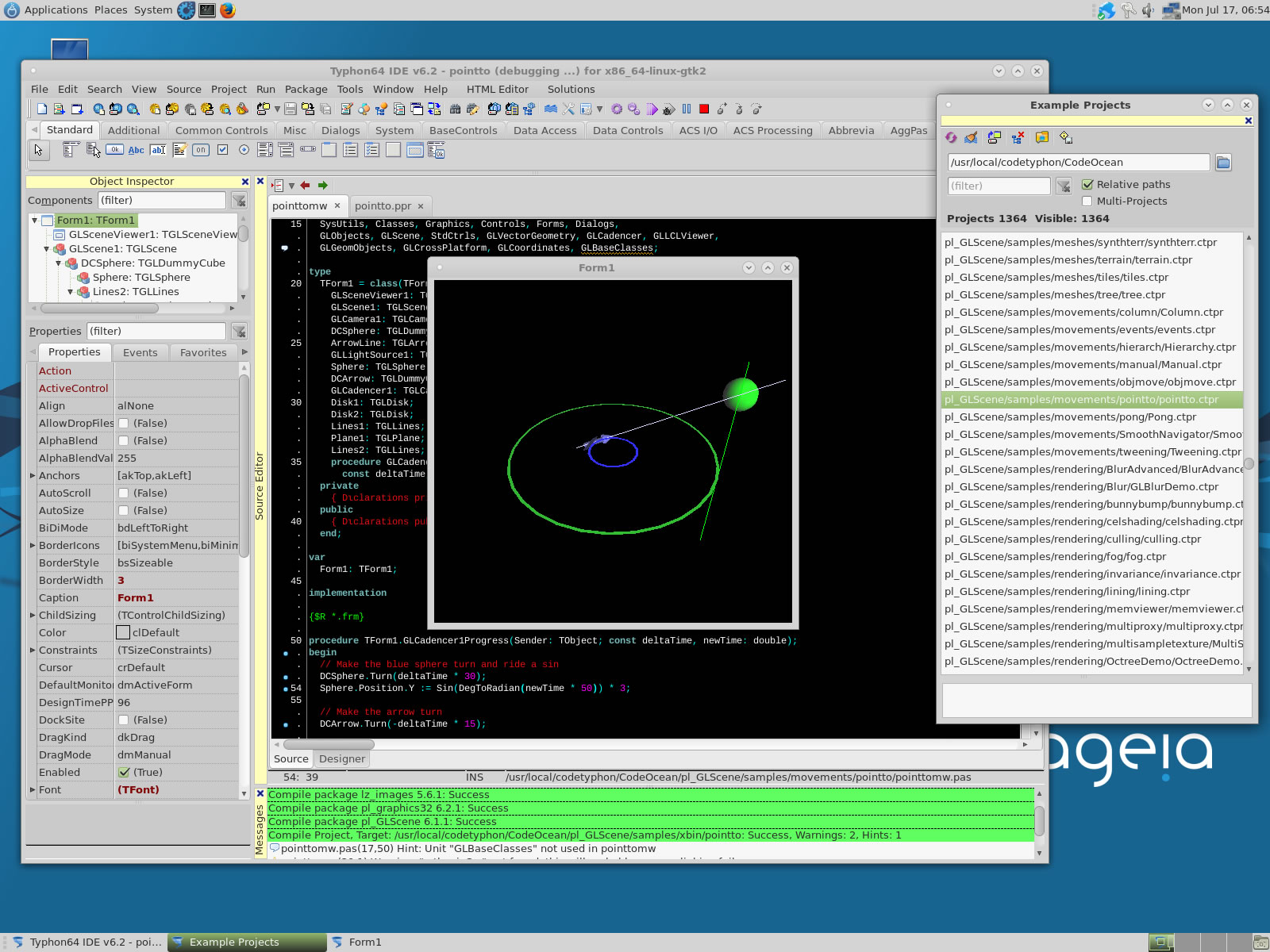
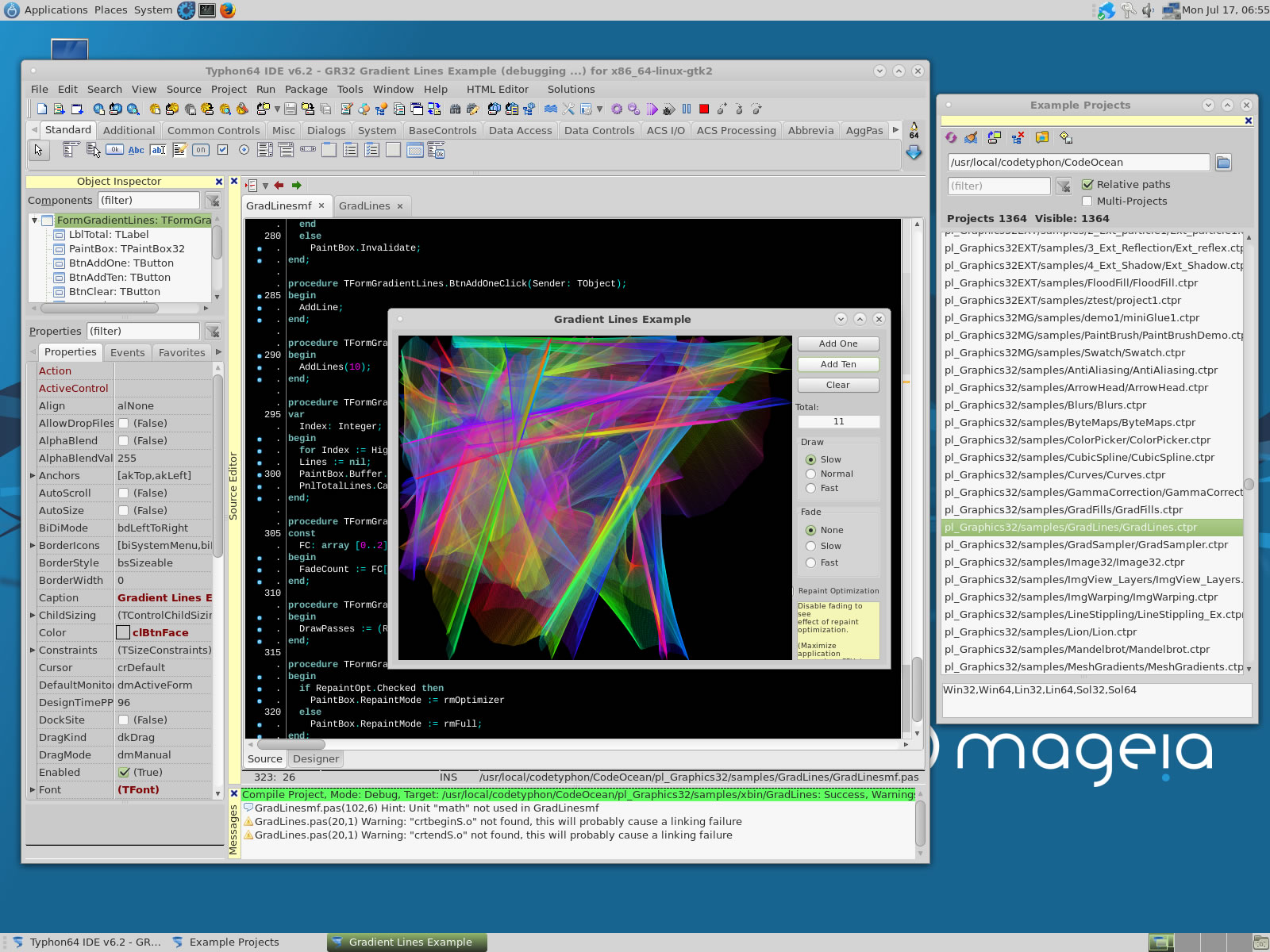
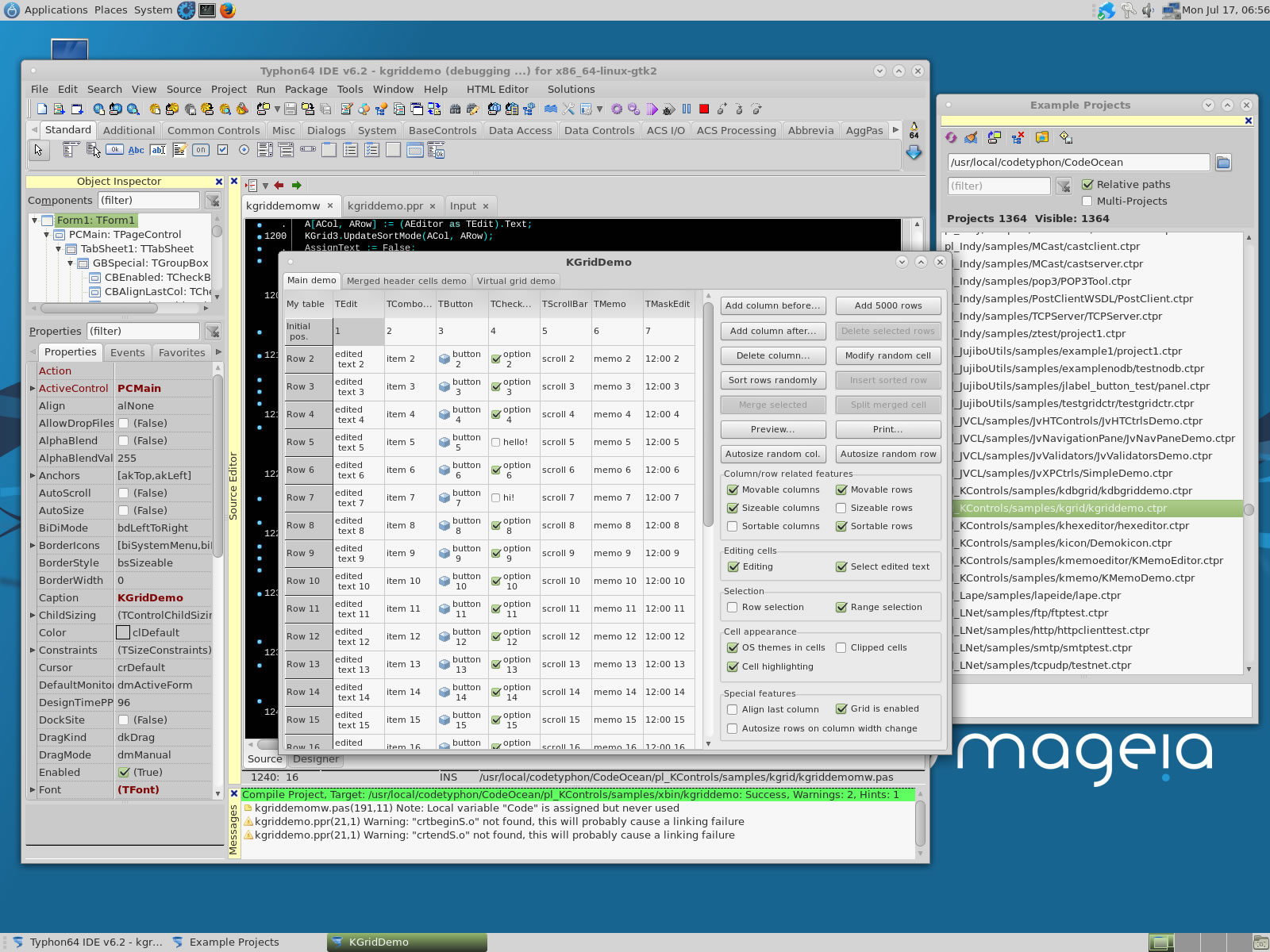
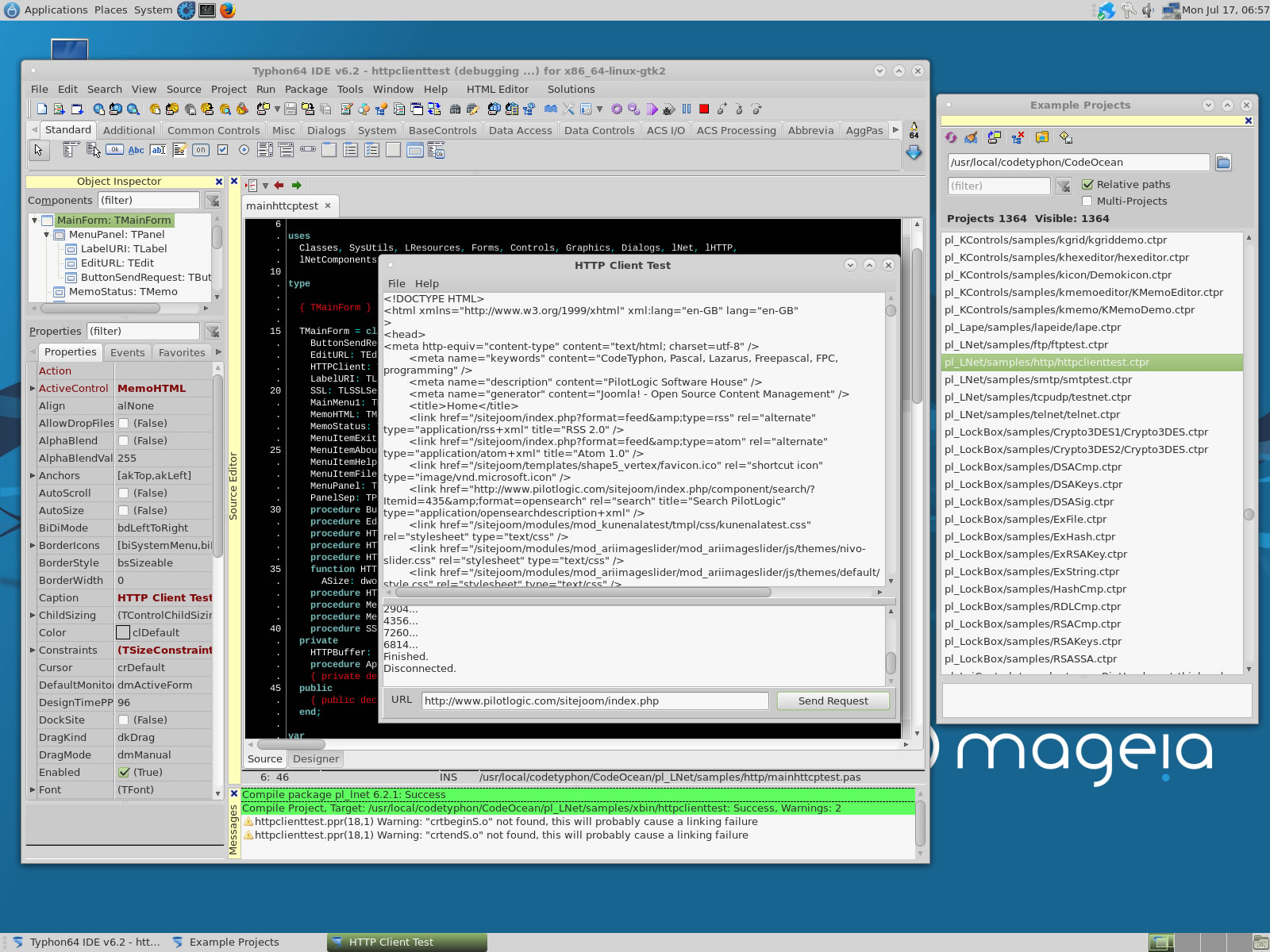
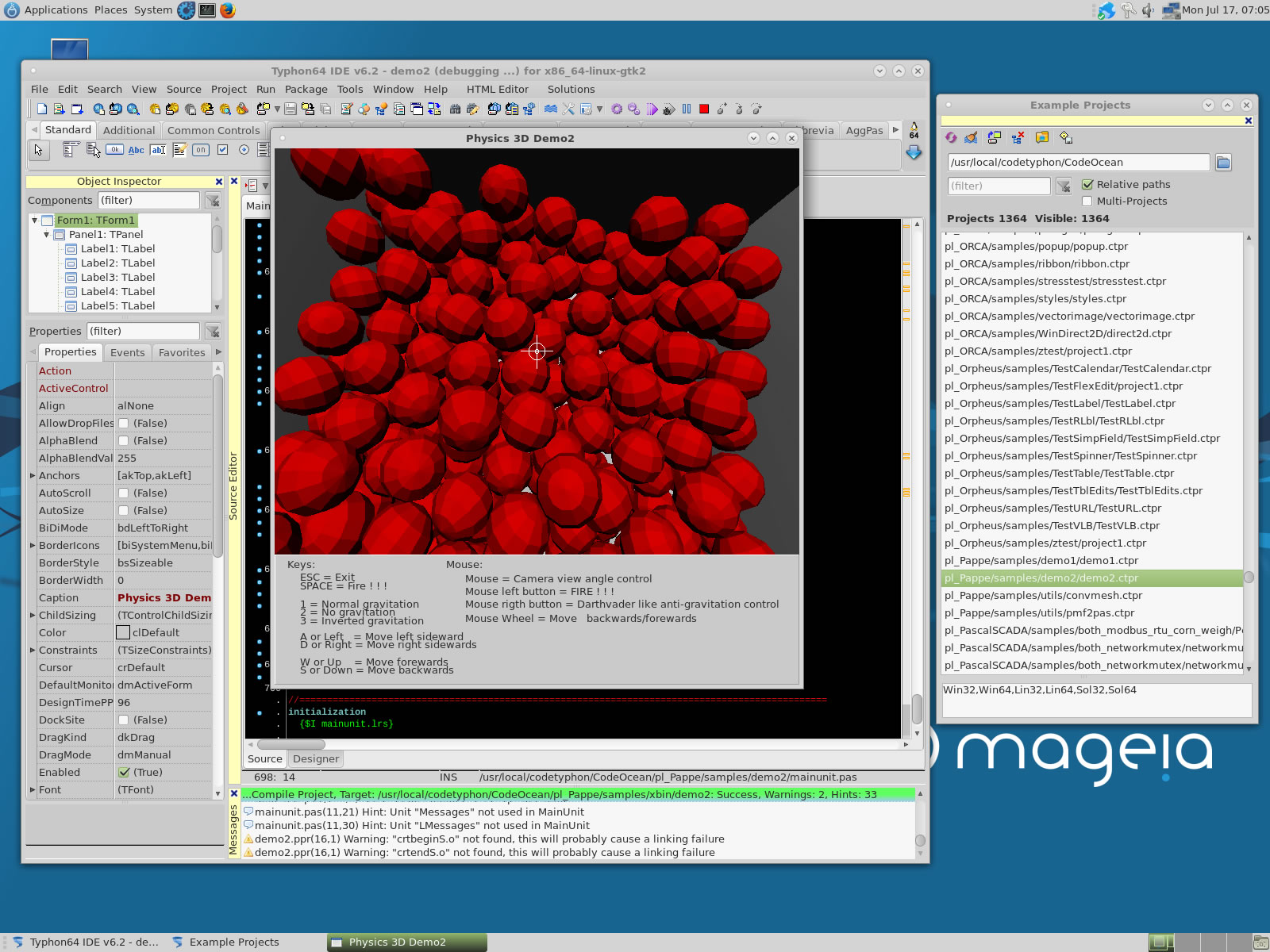
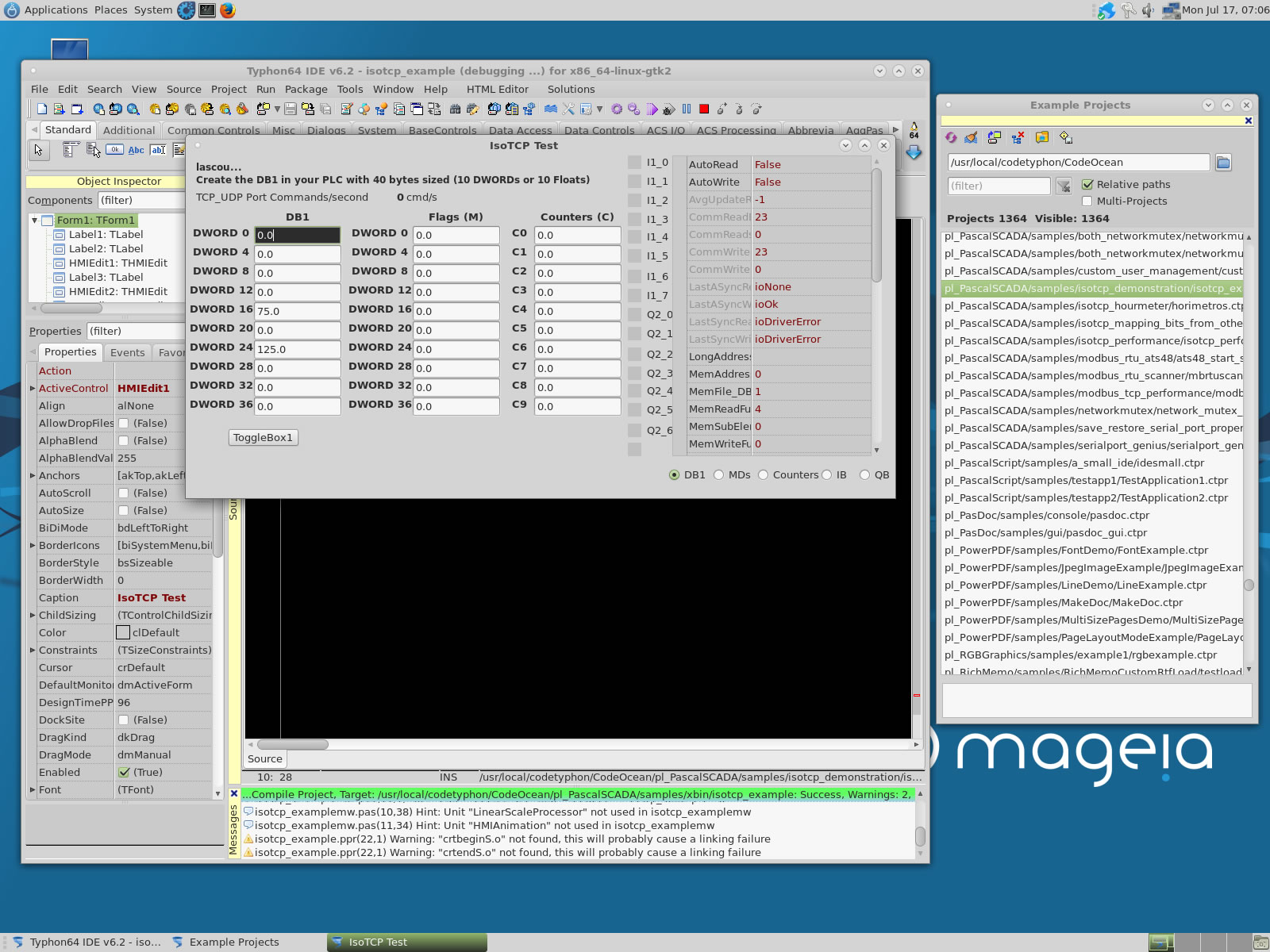
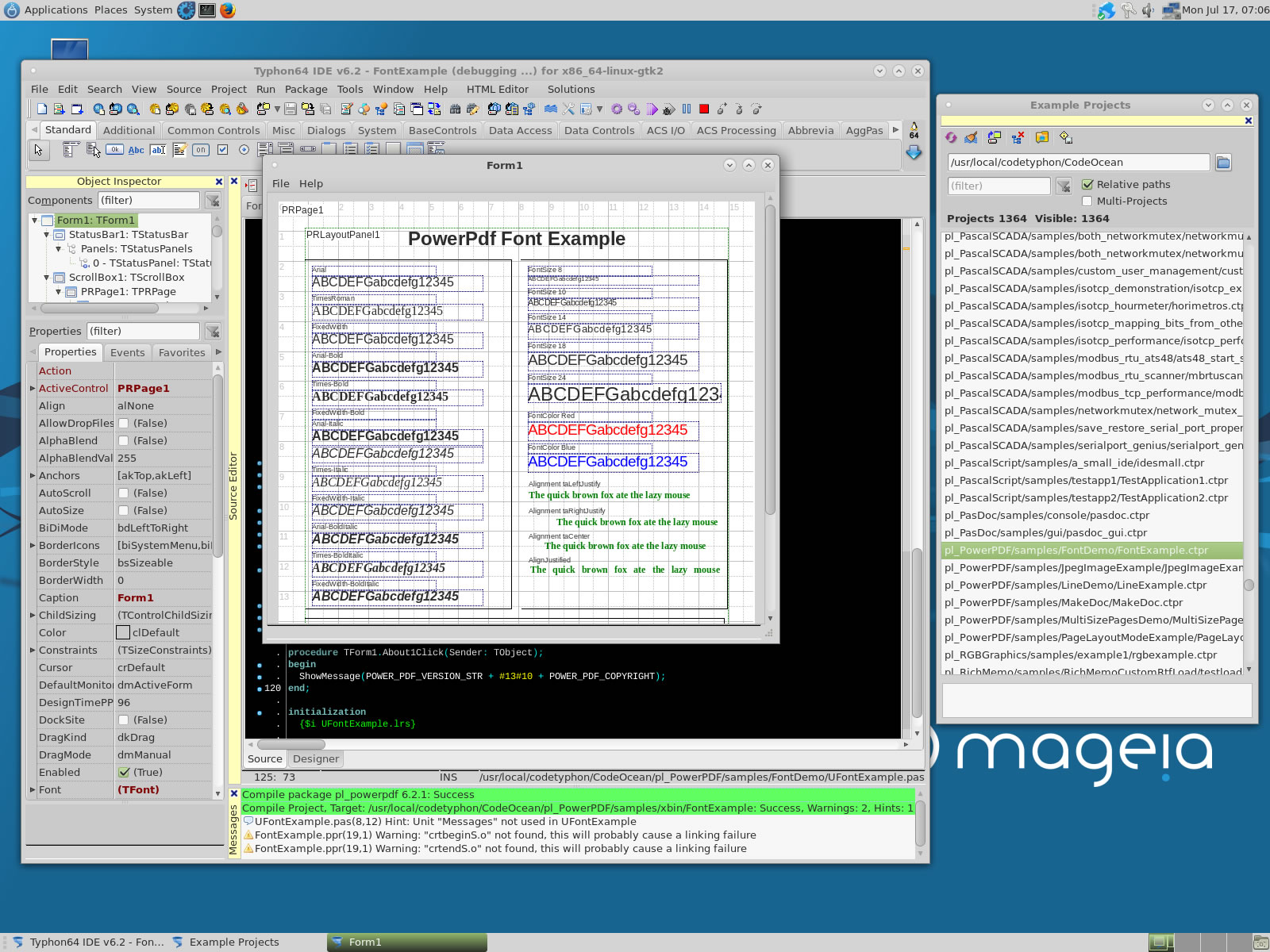
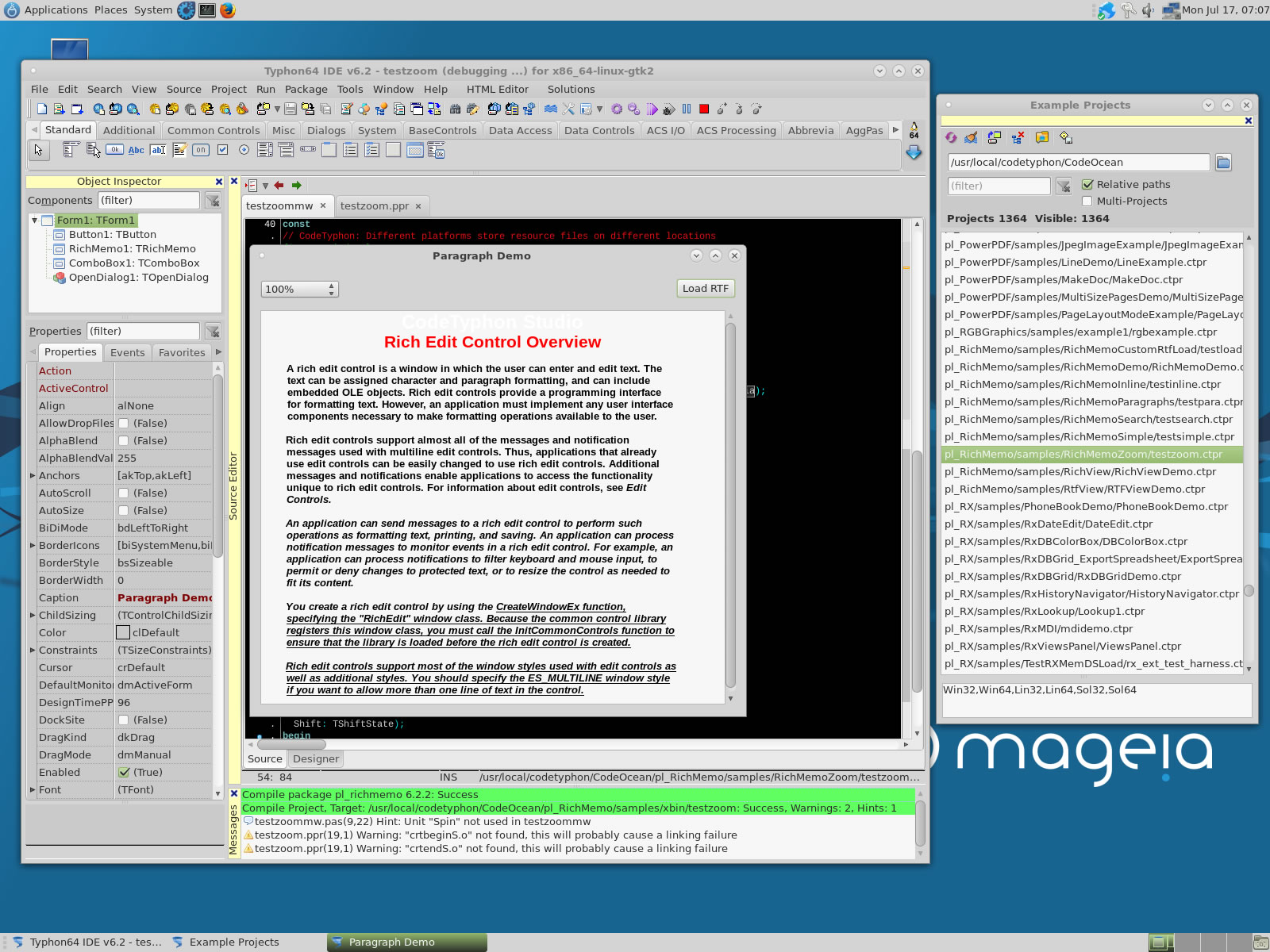
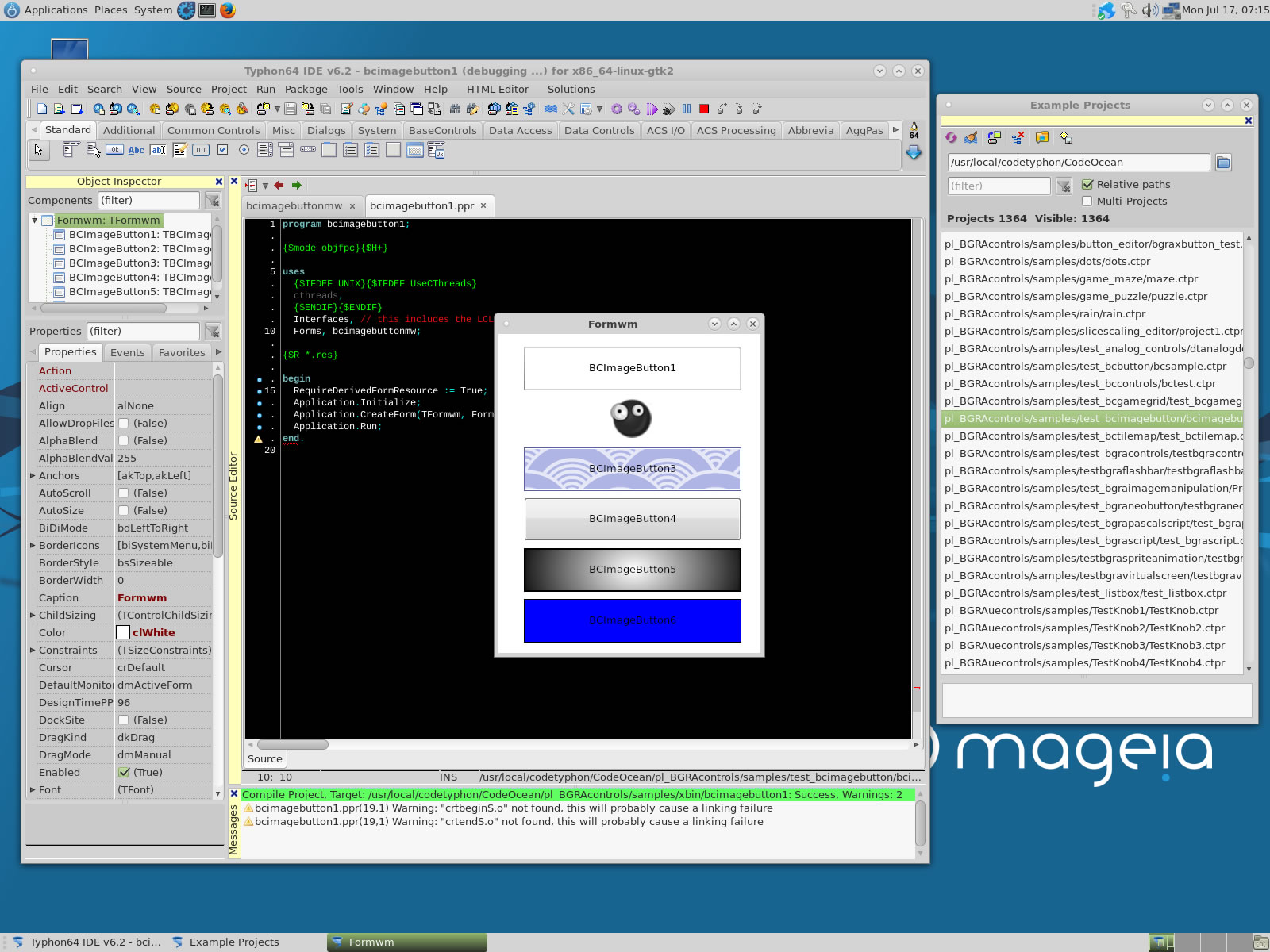
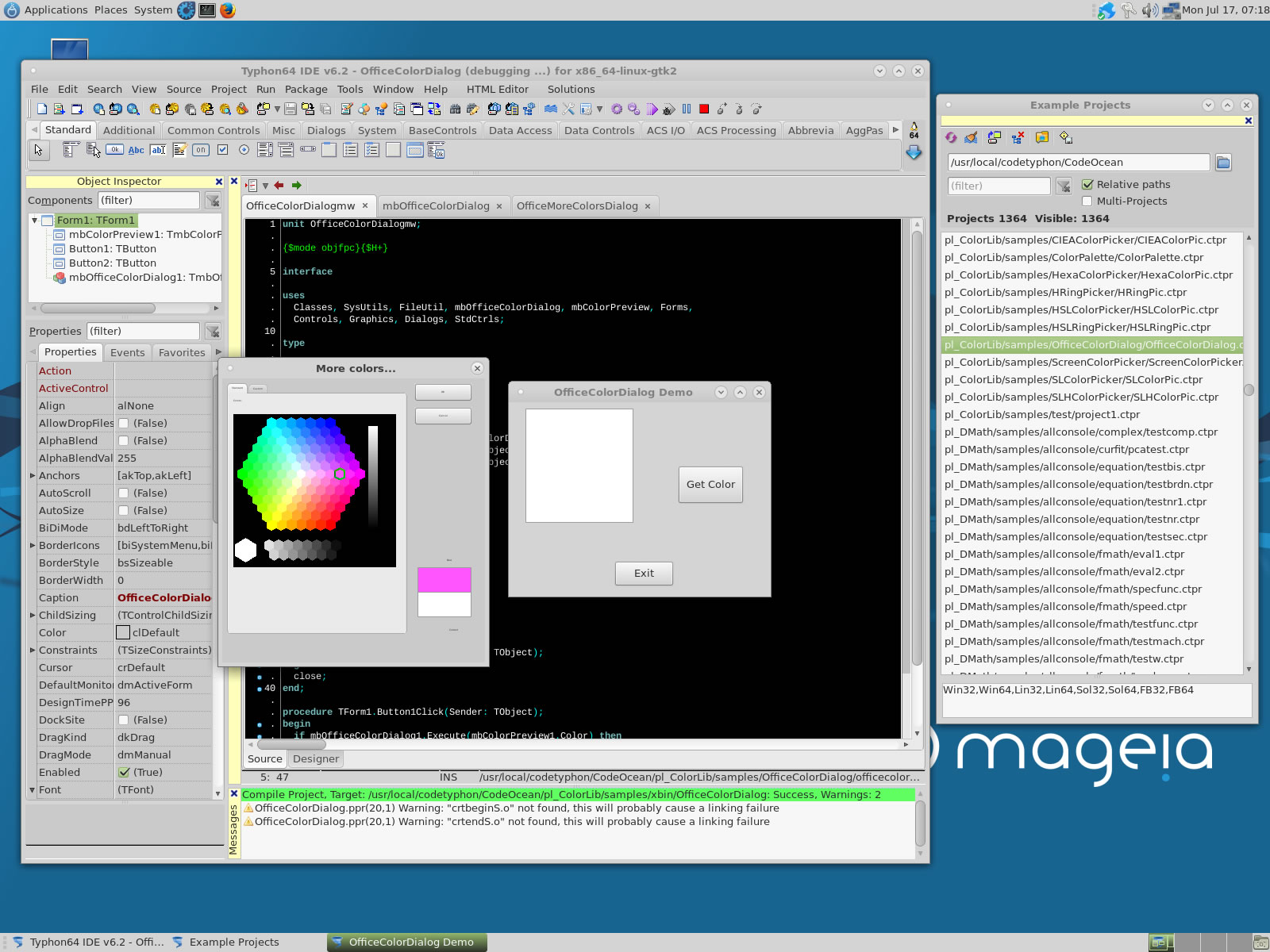
We test some of about 1300 CodeOcean samples...
pl_GLScene
pl_Graphics32
pl_KControls
pl_LNet
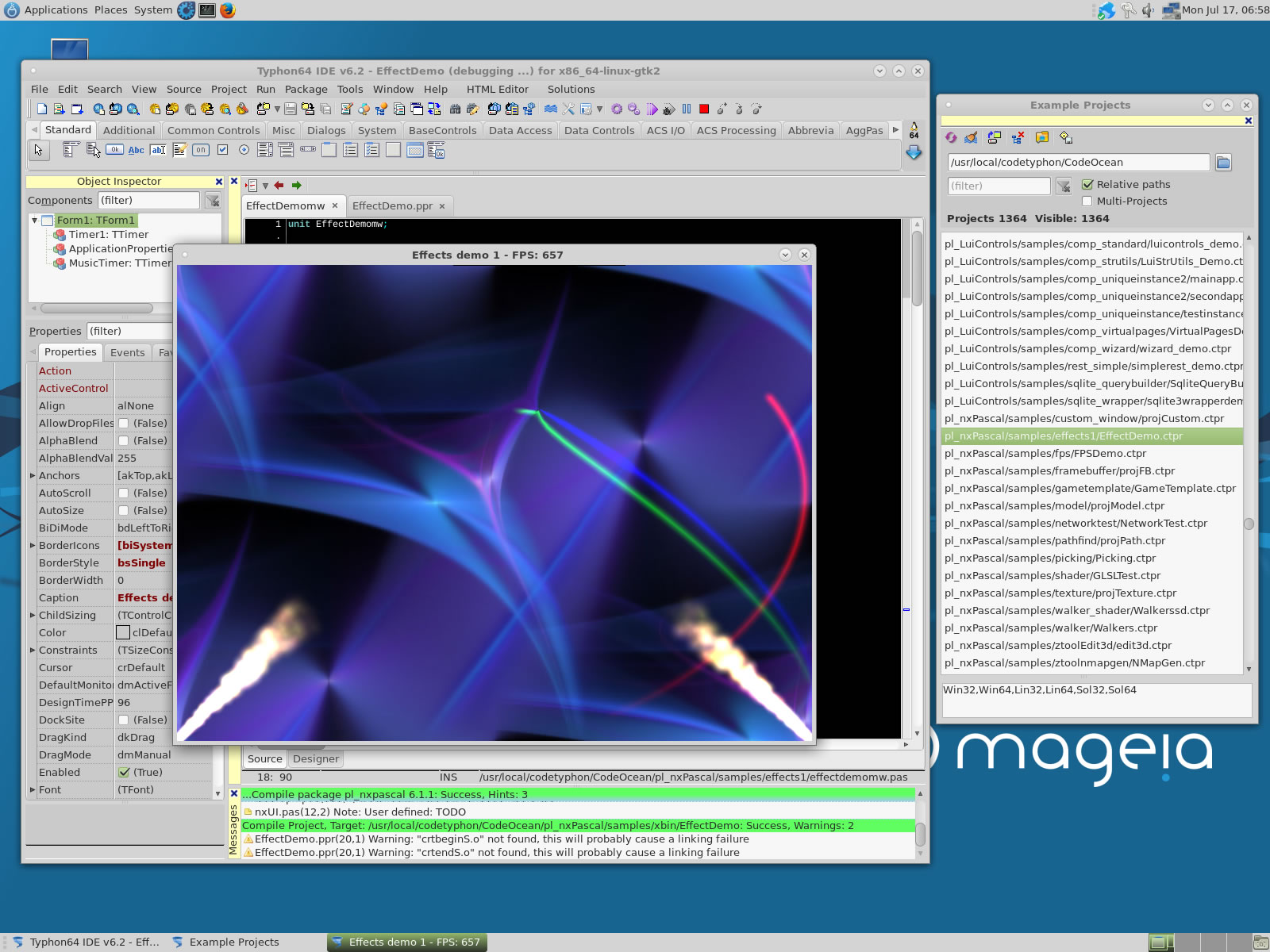
pl_nxPascal
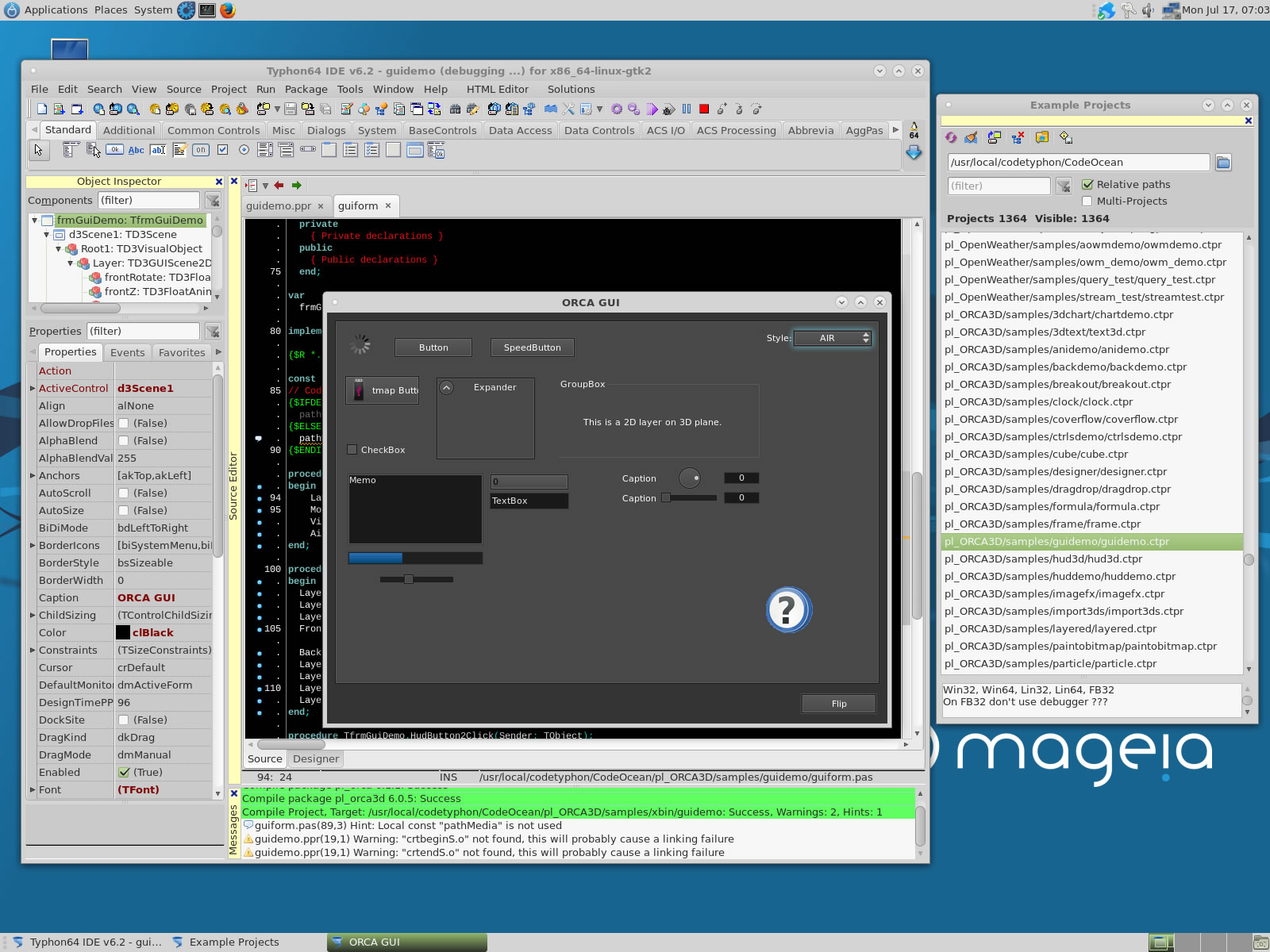
pl_ORCA3D
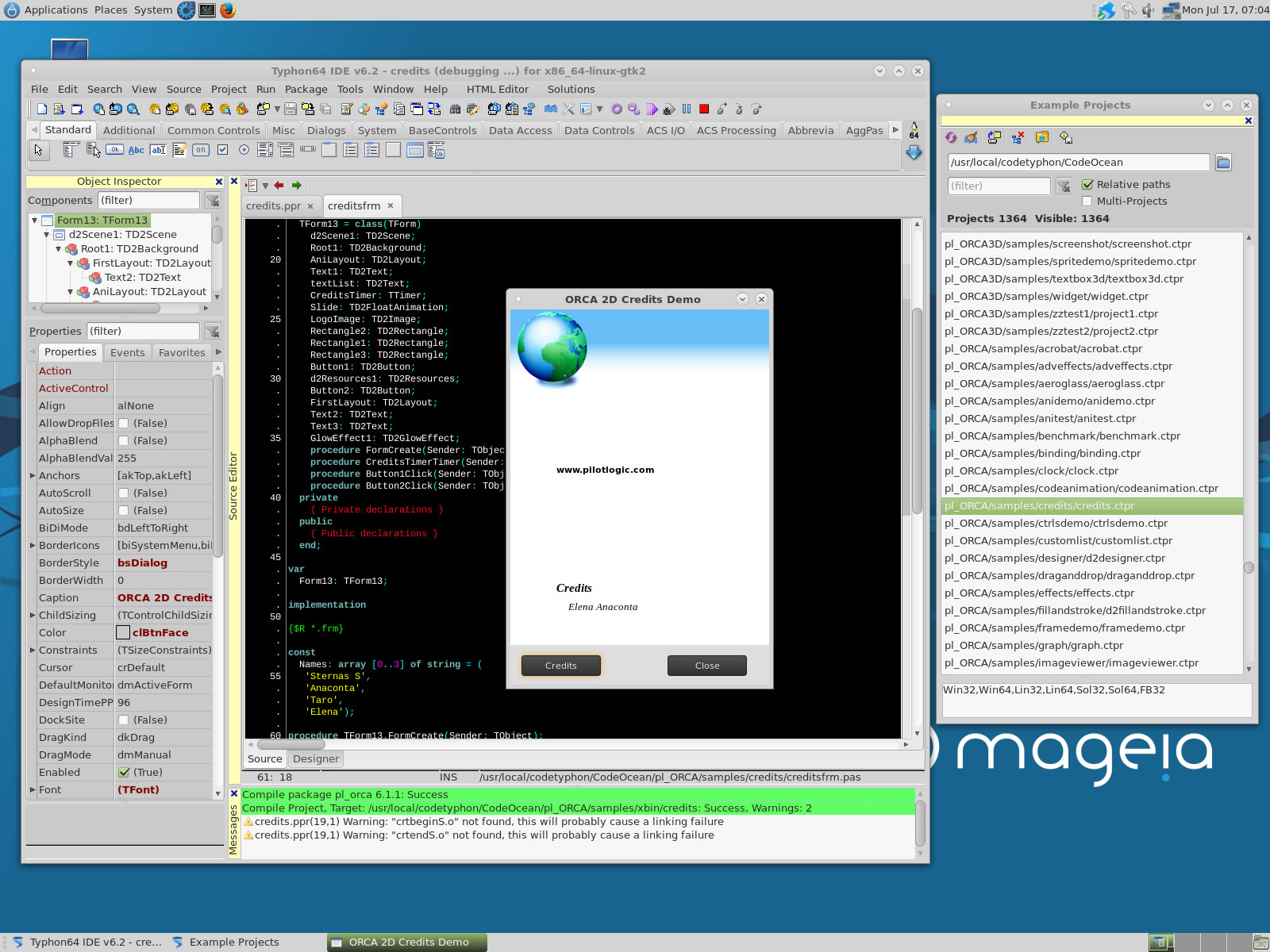
pl_ORCA
pl_Orpheus
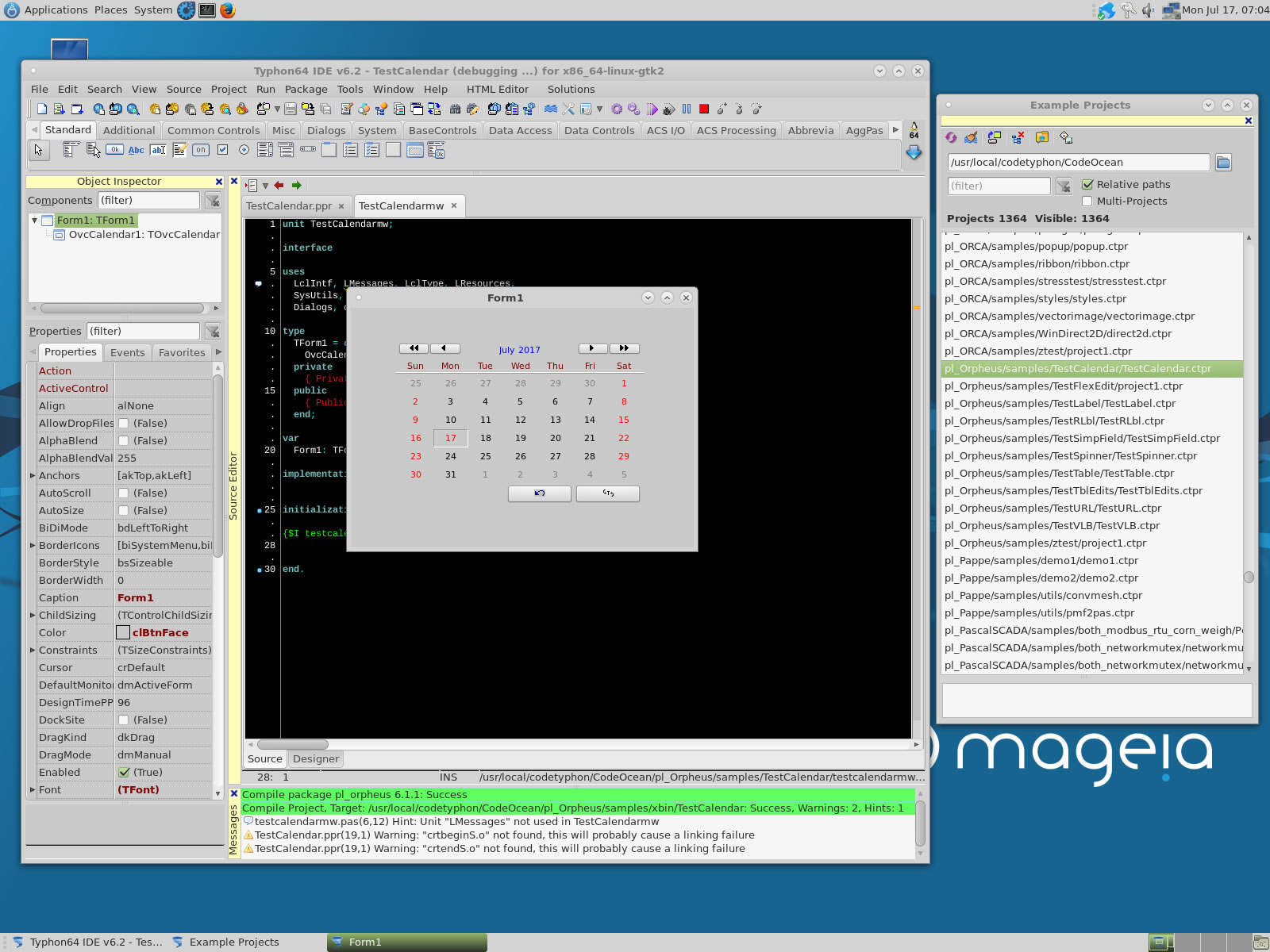
pl_PAPPE
pl_PascalSCADA
pl_PowerPDF
pl_RichMemo
pl_SpkTooBar
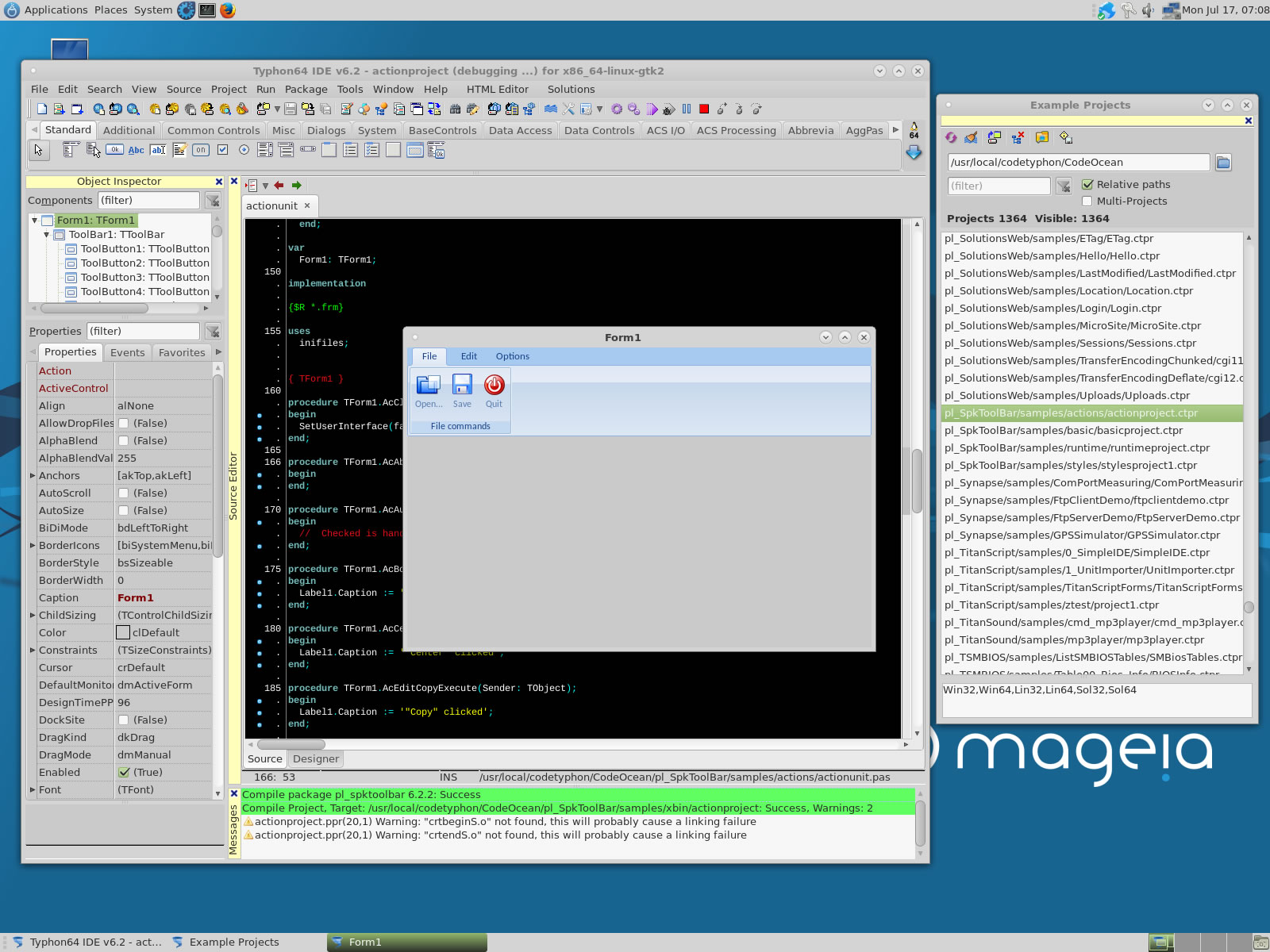
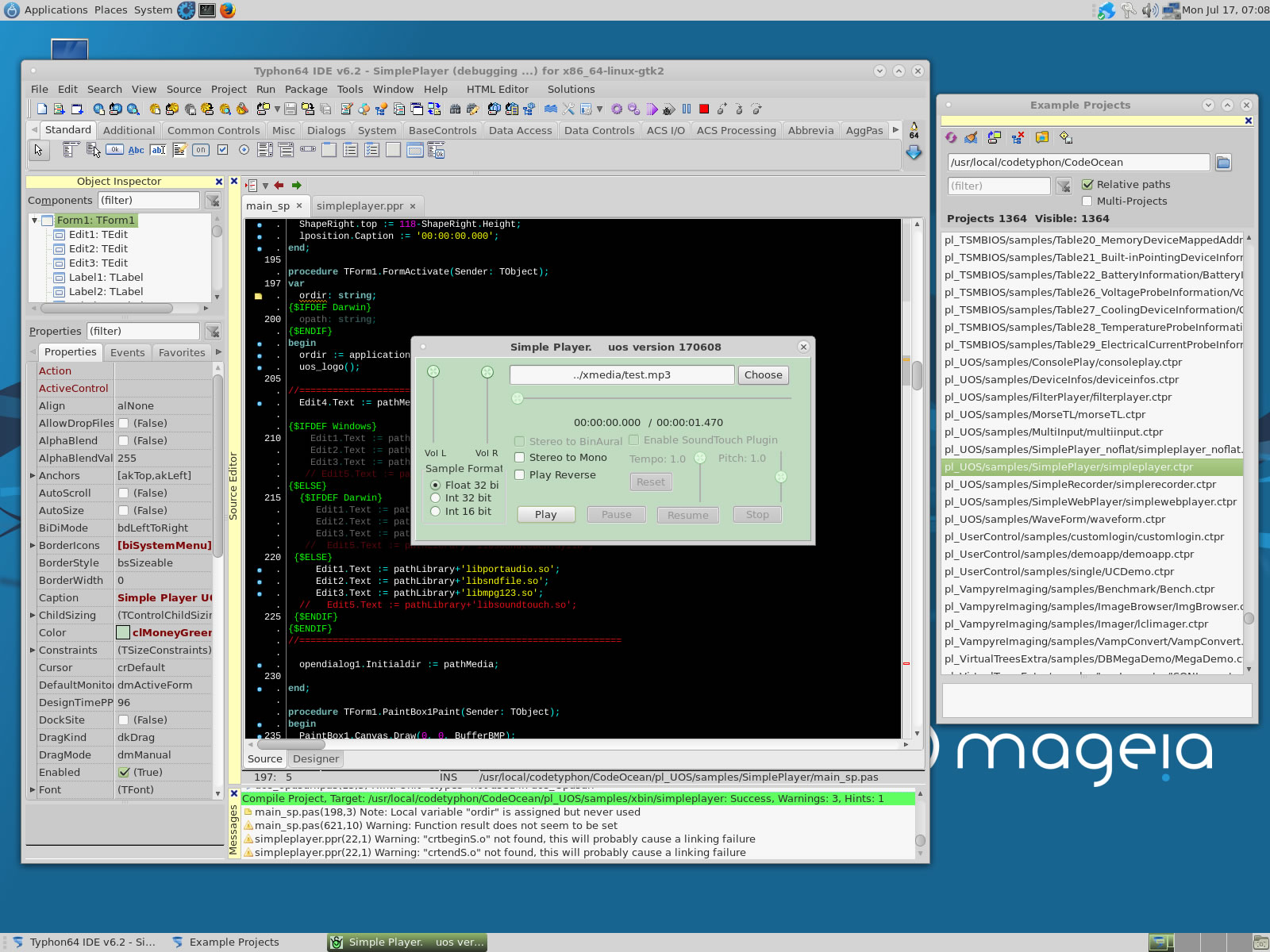
pl_UOS
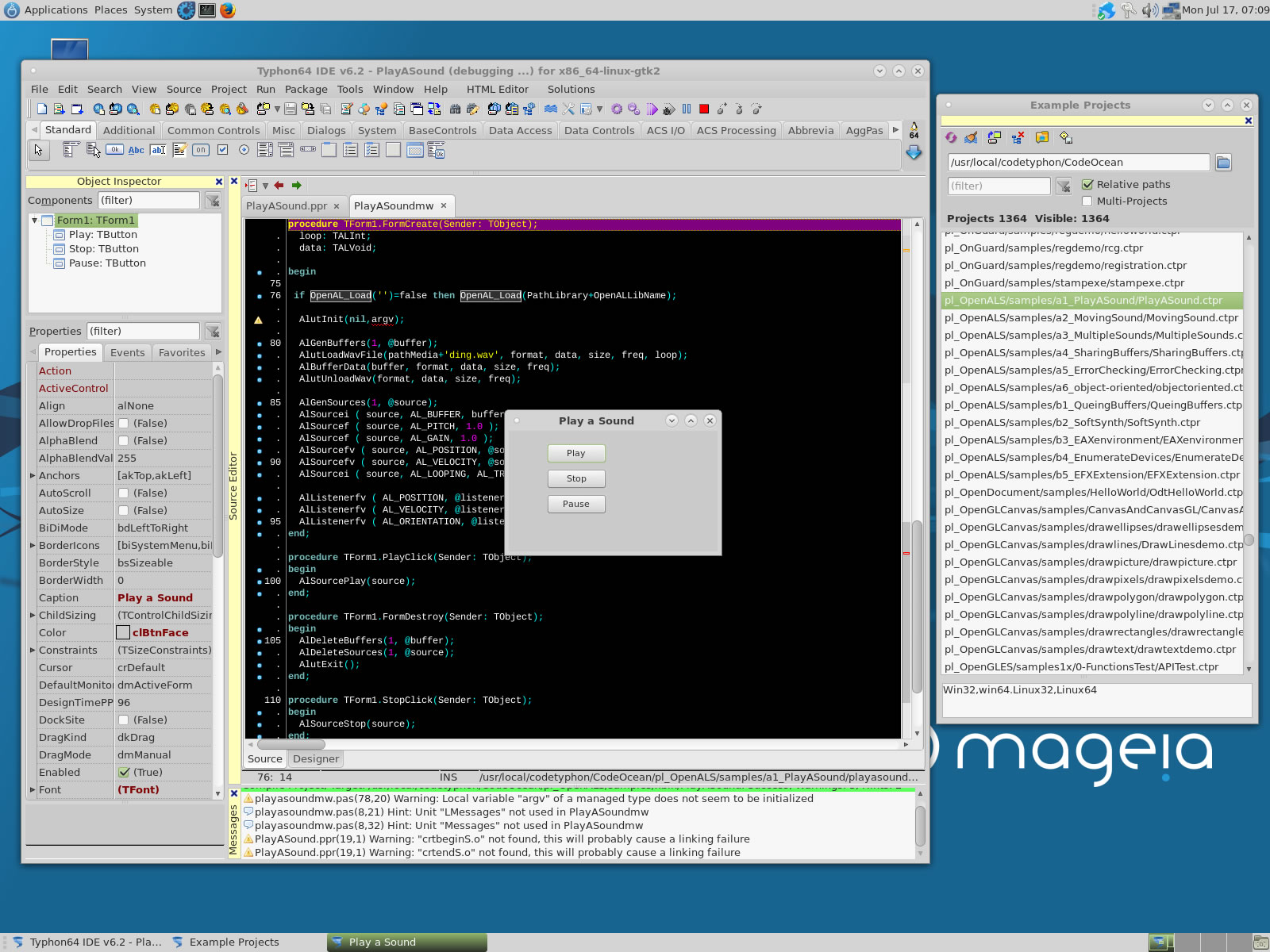
pl_OpenALS
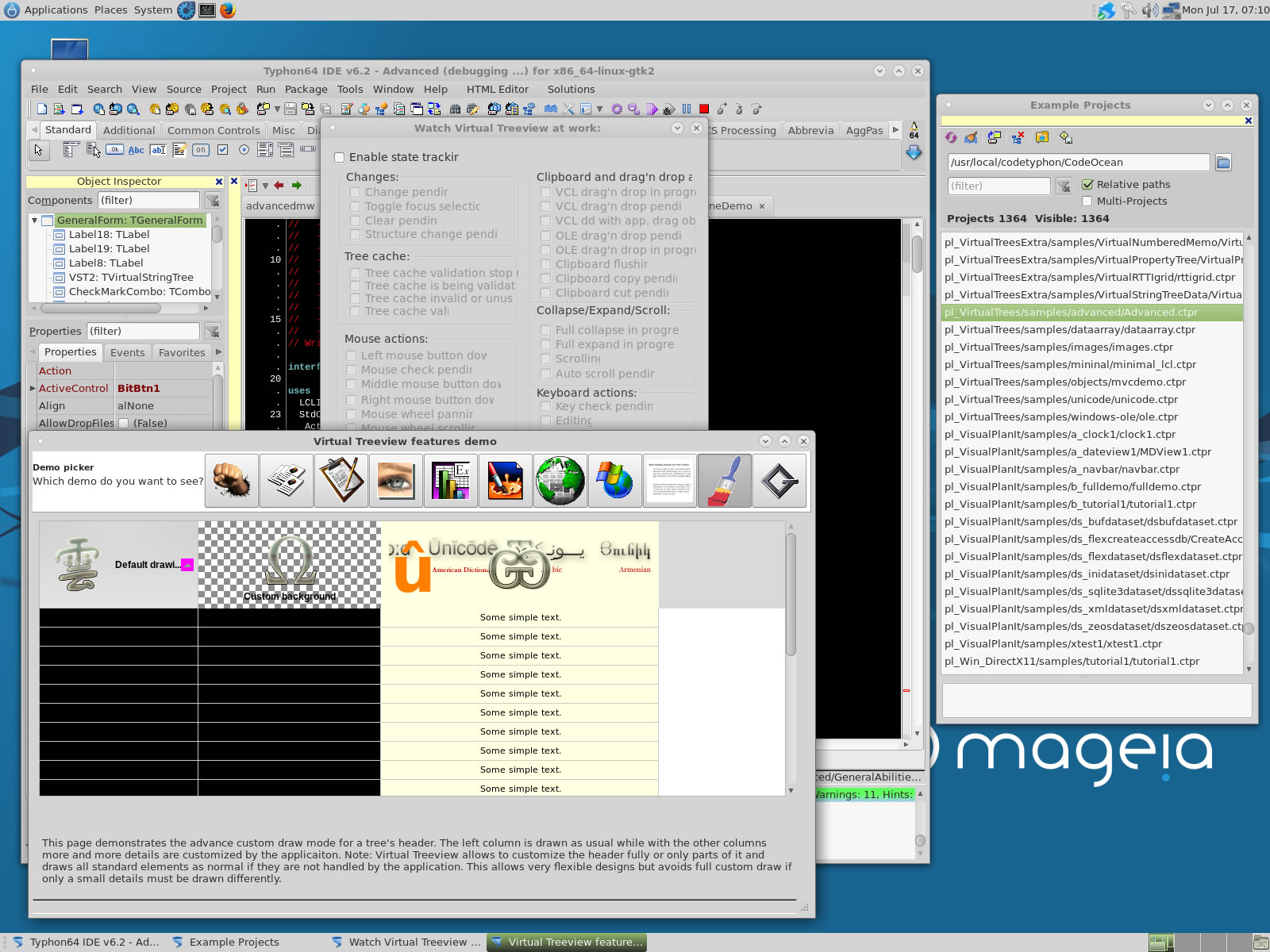
pl_VirtualTrees
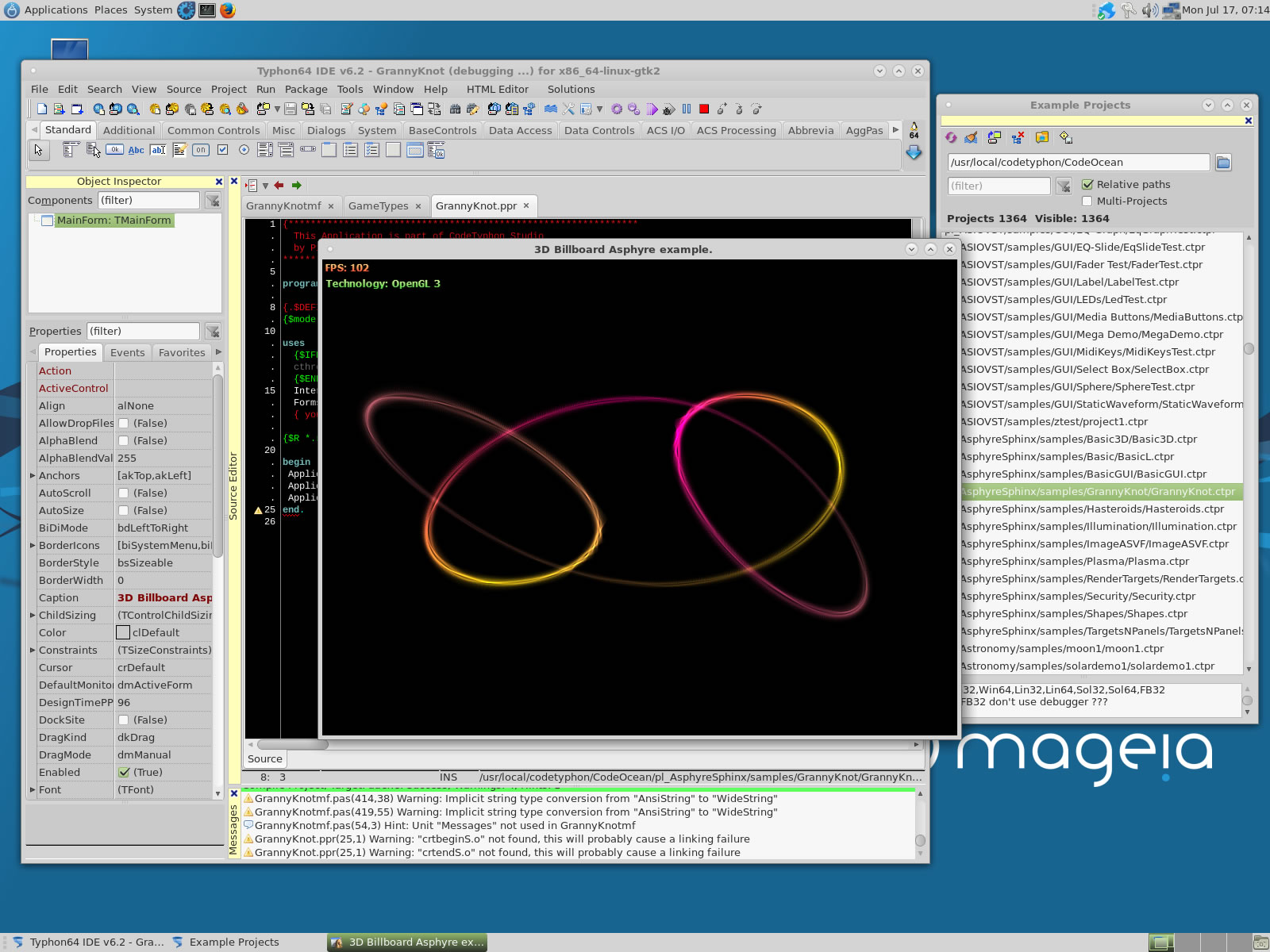
pl_ZMSQL
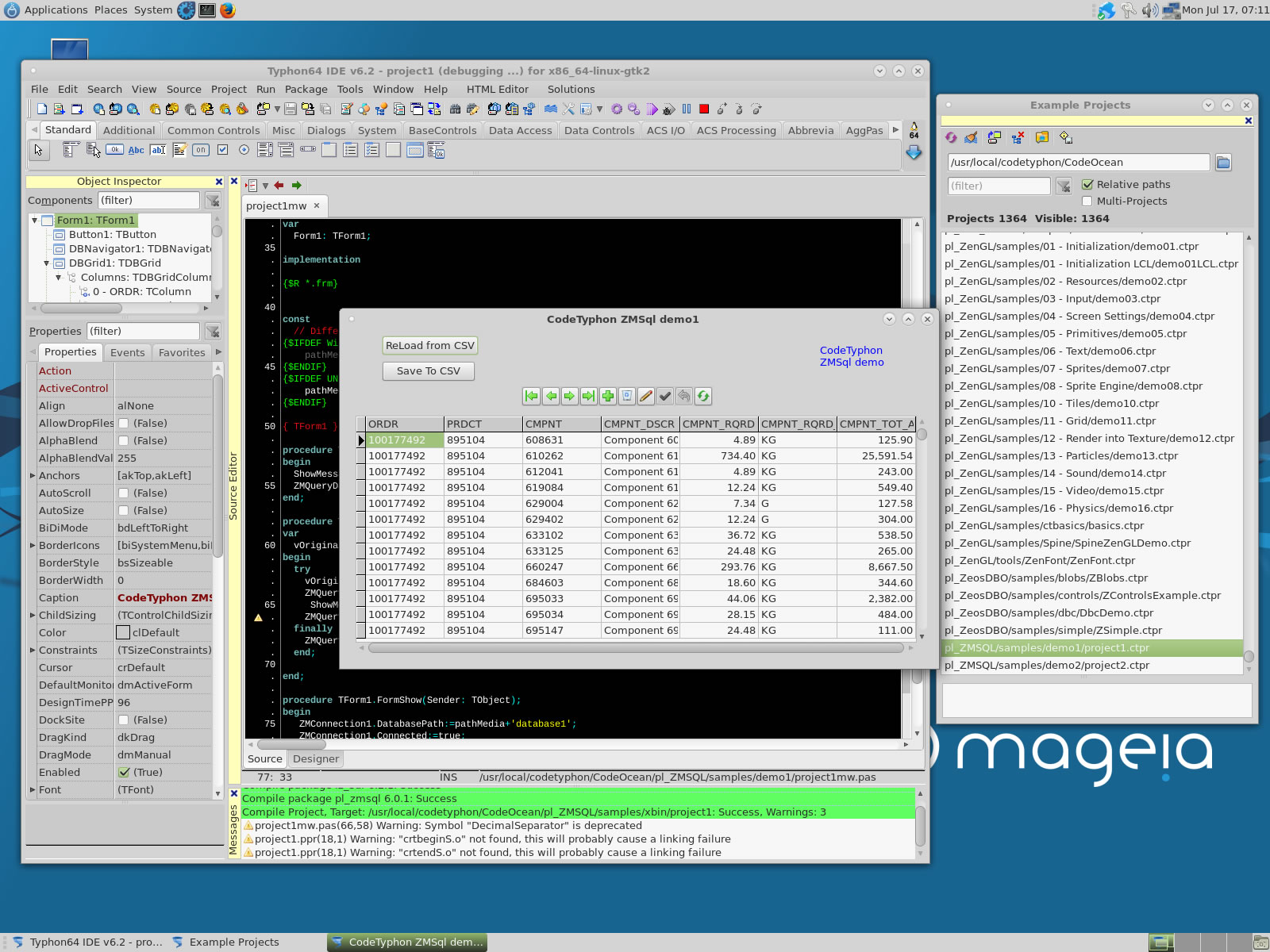
lz_taChart
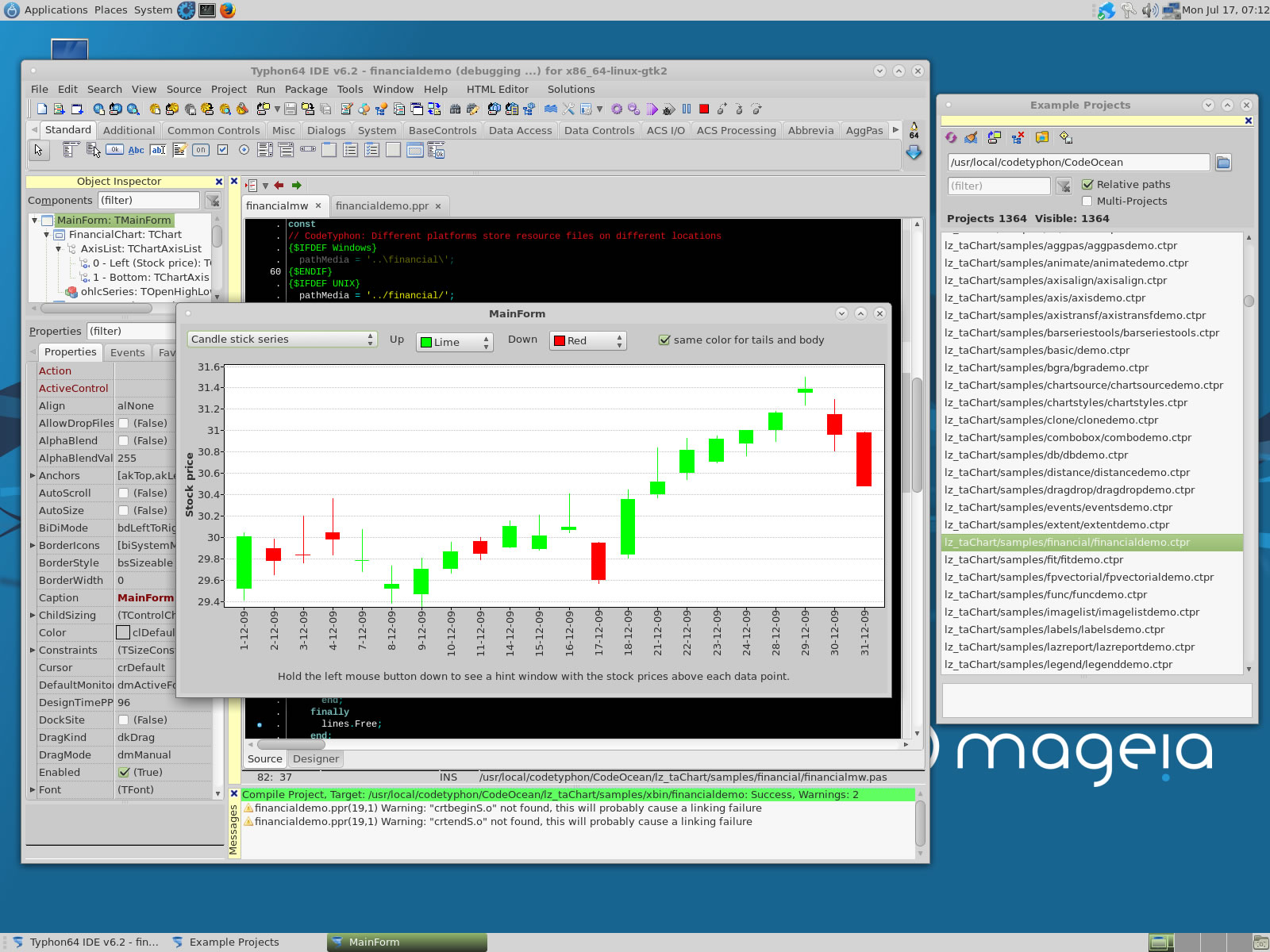
pl_AGGPas
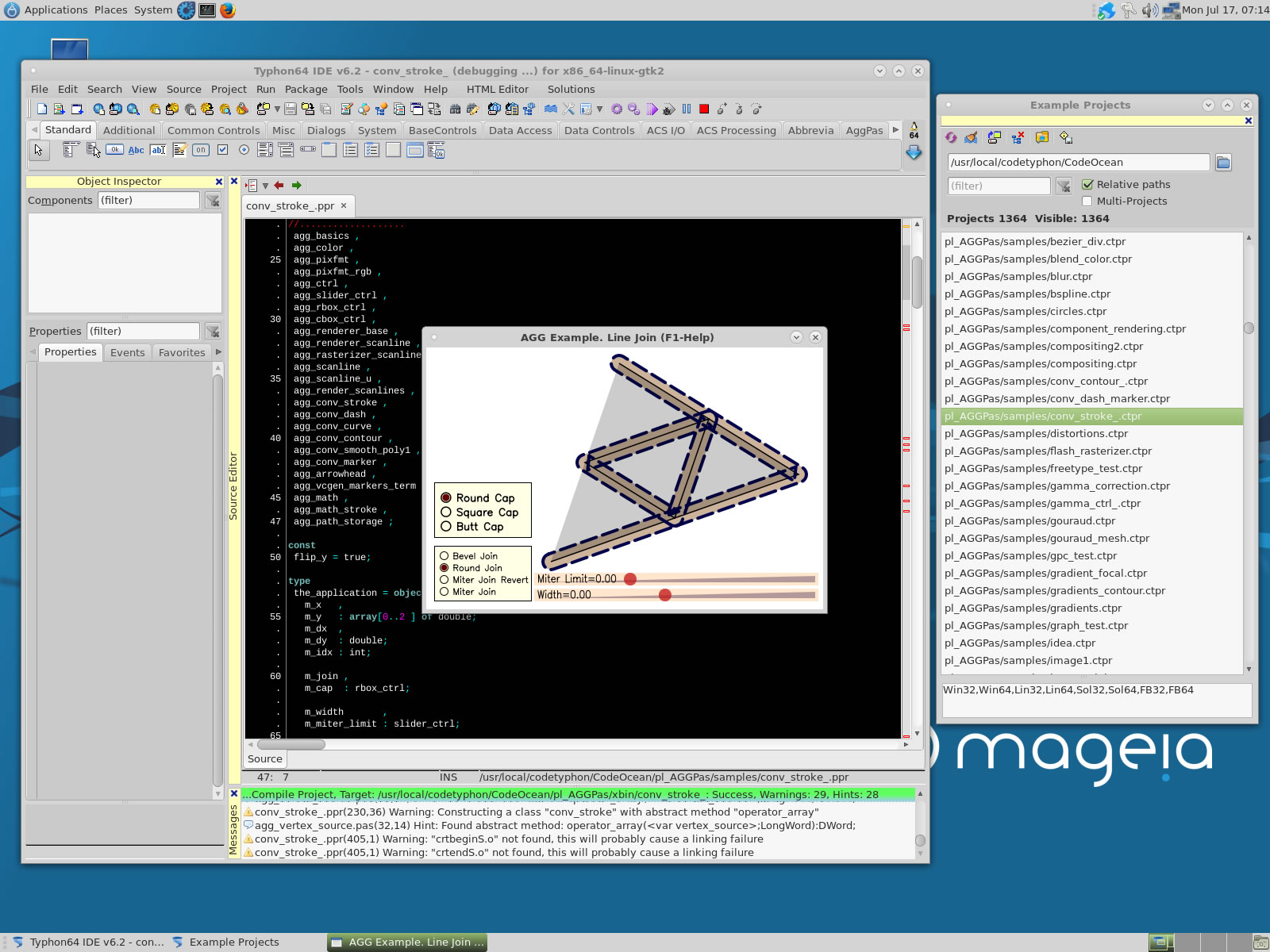
pl_AsphyreSphinx
pl_BGRAControls
pl_ColorLib
7. Build Typhon IDE for QT4 (KDE4)
a) Switch Typhon IDE Host Platform to QT4
CodeTyphon Center => Setup Dialog
and select QT4 Platform
b) Only for the first time, install OS System Libraries
CodeTyphon Center =>HostPC=>"Install System Libraries"
c) Remove and Build Typhon IDE for new Platform (QT4)
CodeTyphon Center =>Typhon IDE=>"Remove and Build"
Finally...
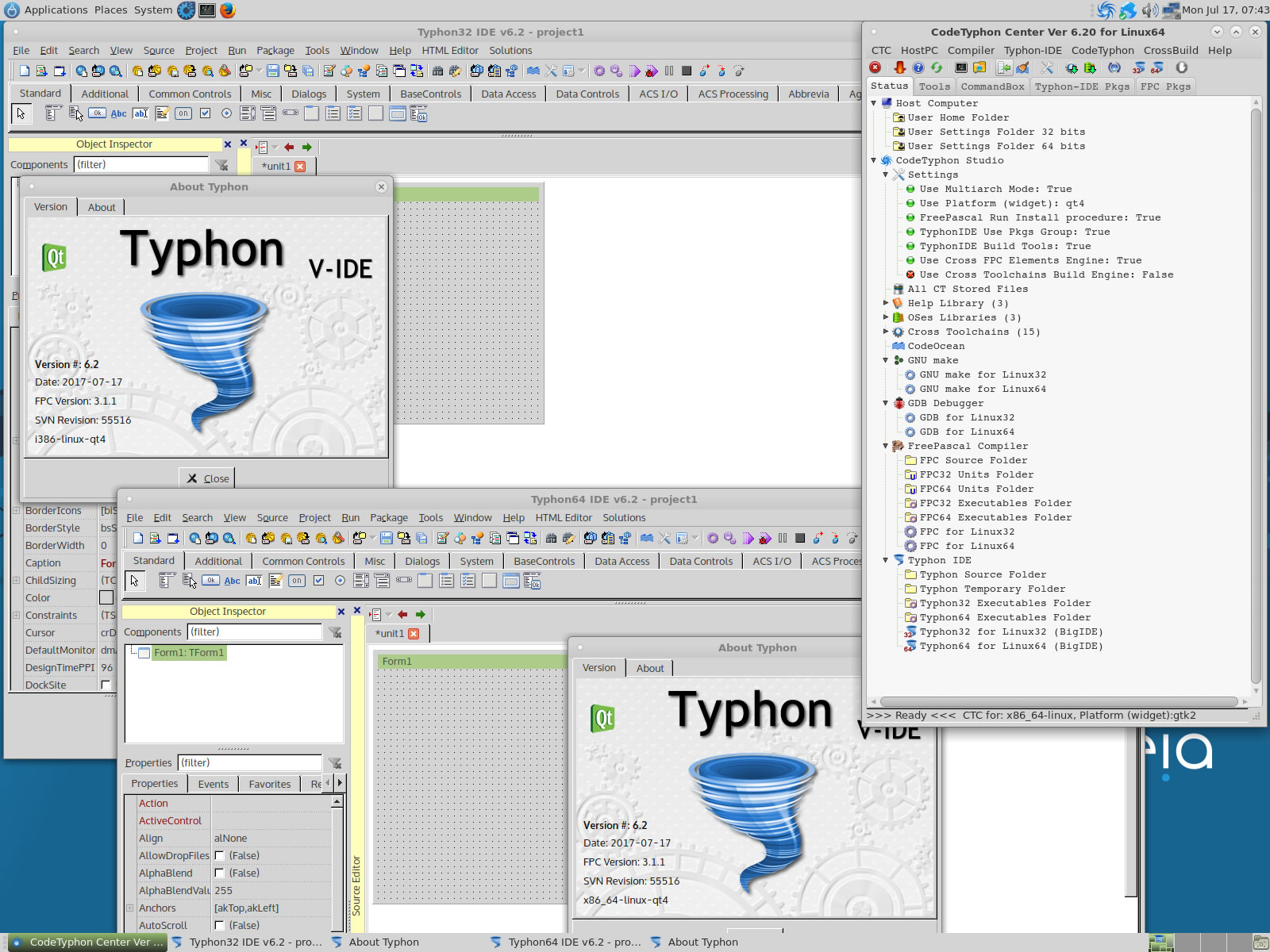
Typhon32 and Typhon64 for QT4 (KDE 4) with ALL Docked Option (single Window)
8. Build Typhon IDE for QT5 (KDE5)
Mageia 6 Linux use QT version 5.6.2, CodeTyphon 6.2 use QT5 version >= 5.7.0
So, it's NOT possible to build Typhon IDE for QT5 Platform