

|
Welcome,
Guest
|
General discussions, feature requests for CodeTyphon Project and discussions that don't fit in any of the other specific CodeTyphon forum categories.
TOPIC:
Bug or Missing Feature? 9 months 1 week ago #19284
|
|
Please Log in or Create an account to join the conversation. |


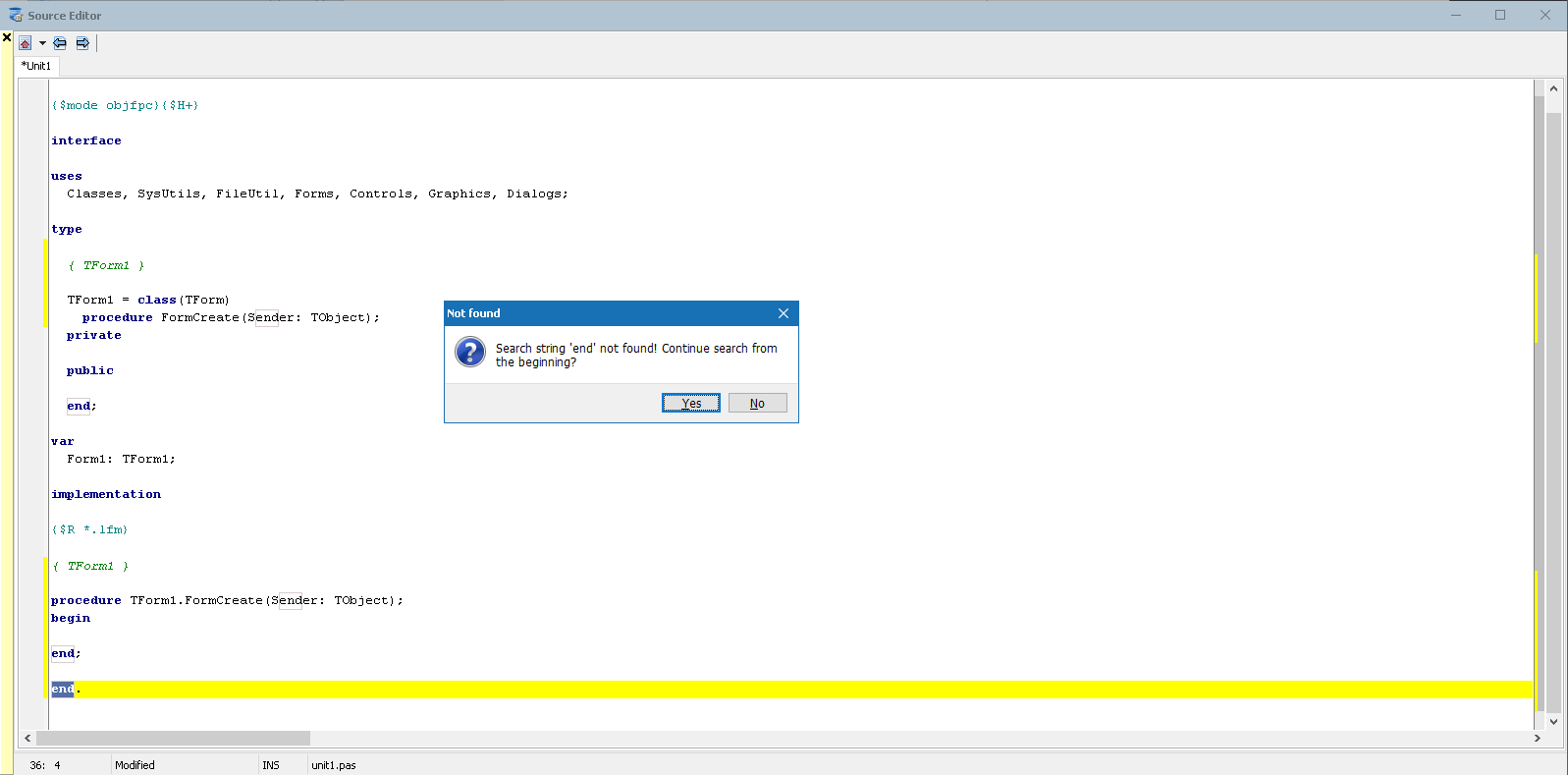
Bug or Missing Feature? 9 months 1 week ago #19285
|
|
Please Log in or Create an account to join the conversation. |


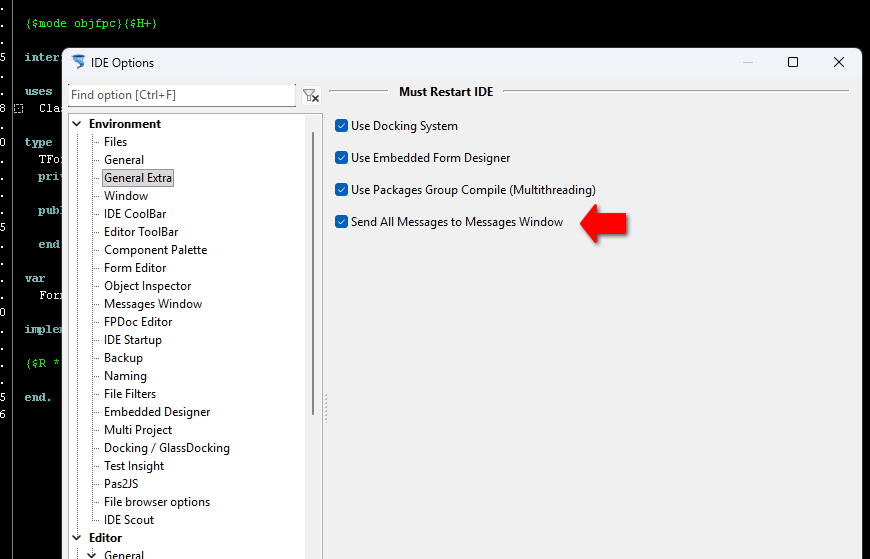
Bug or Missing Feature? 9 months 1 week ago #19287
|
|
Please Log in or Create an account to join the conversation. |
Bug or Missing Feature? 9 months 6 days ago #19288
|
|
Please Log in or Create an account to join the conversation. |