Welcome, Guest
Username: Password: Remember me
CodeTyphon Web Development Pas2JS, WASM, etc, discussions and problems
  • Page:
  • 1

TOPIC:

I have found the solution to create Android app based on js_WebWidgetsGUI 3 hours 36 minutes ago #19338

  • Ak.Saharov
  • Ak.Saharov's Avatar Topic Author
  • Away
  • Junior Member
  • Junior Member
  • Posts: 47
  • Thank you received: 1
I have found examples in CodeOcean for js_WebWidgetsGUI. 

Folder - CodeOcean\js_Pas2JavaScript\js_WebWidgetsGUI.

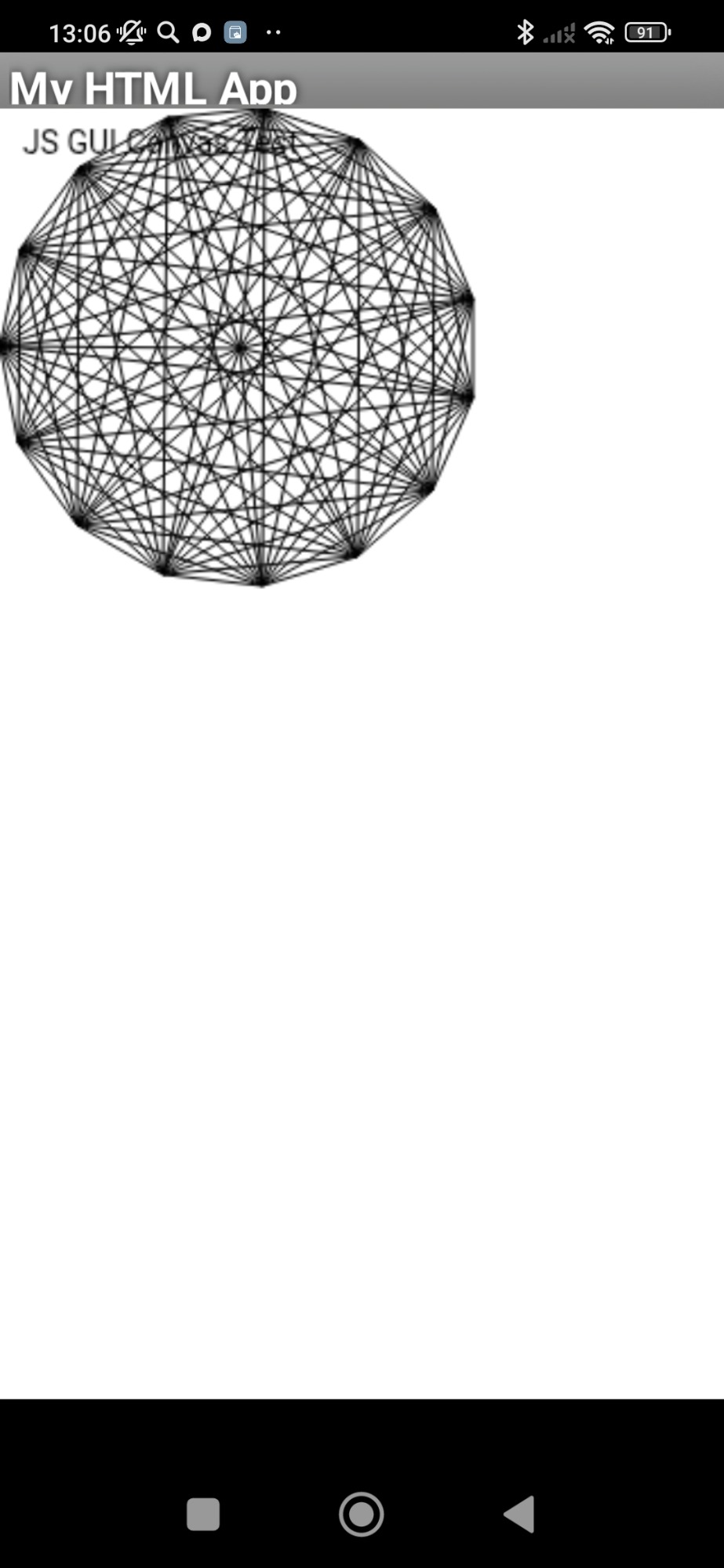
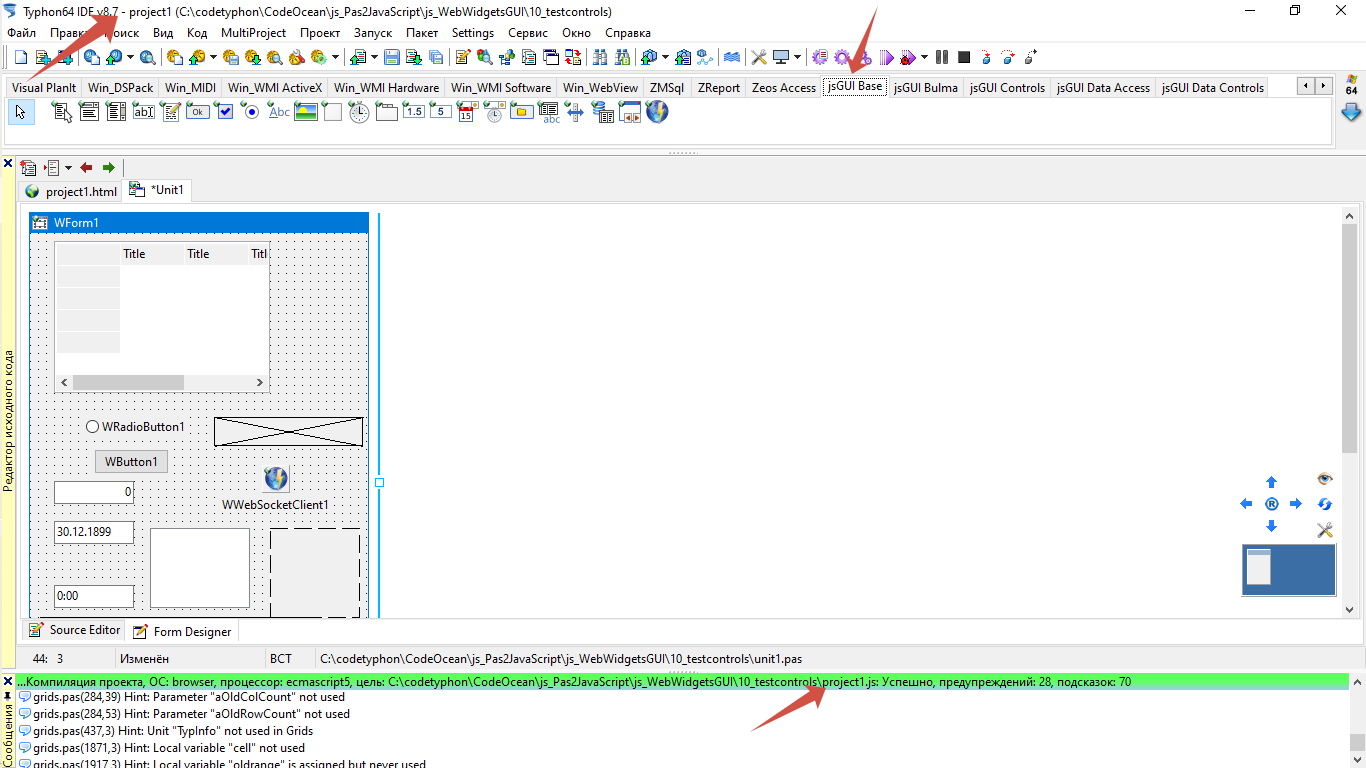
I have build in CT 8.7 this project CodeOcean\js_Pas2JavaScript\js_WebWidgetsGUI\20_tests.

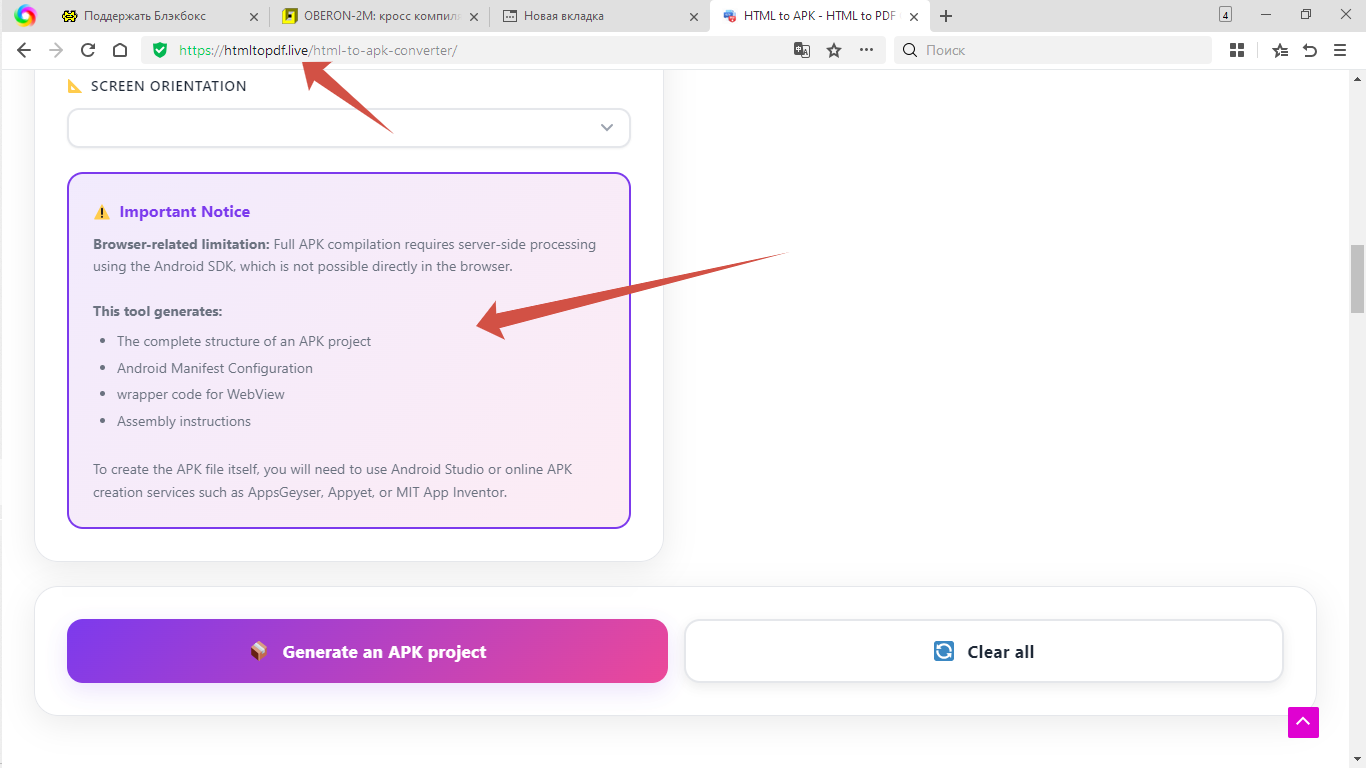
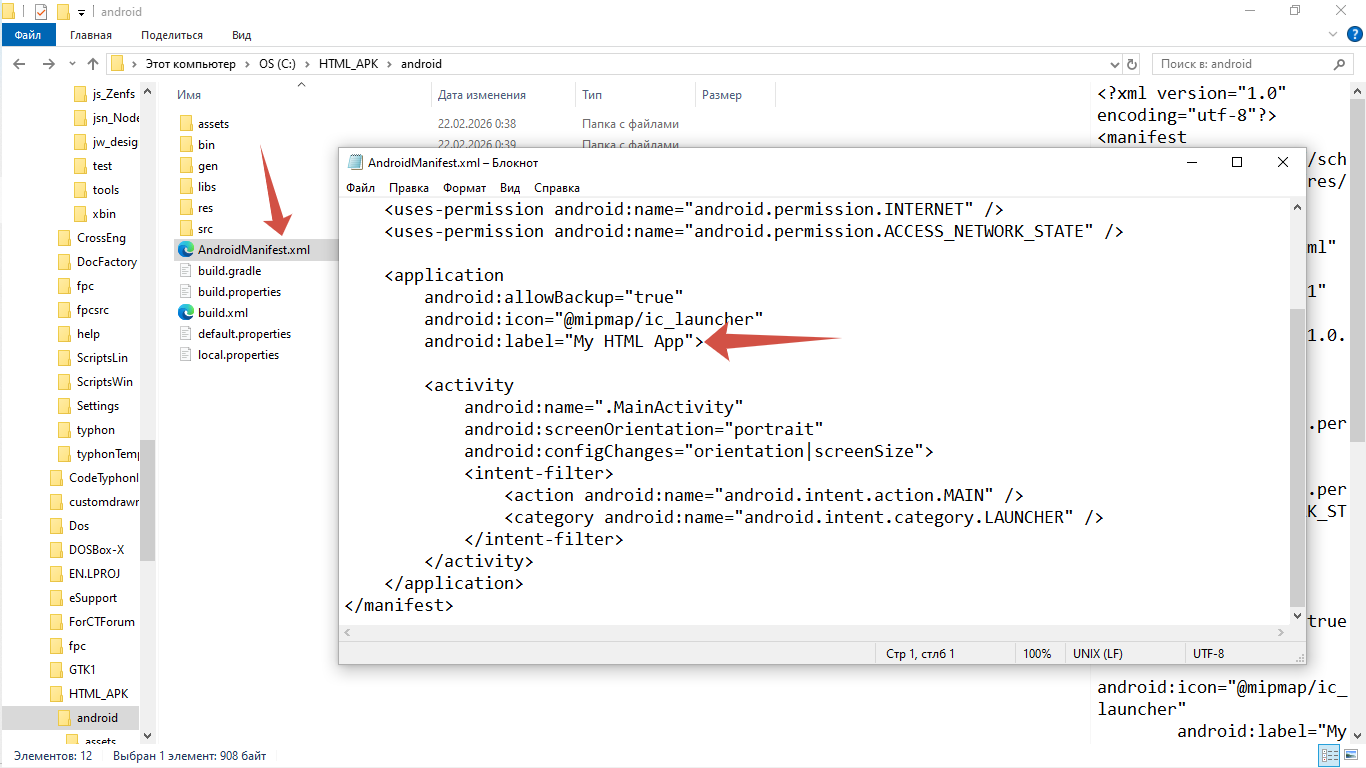
I used testCanvas.html from the folder "20_tests" and this site htmltopdf.live/html-to-apk-converter/

to create project of Android App.

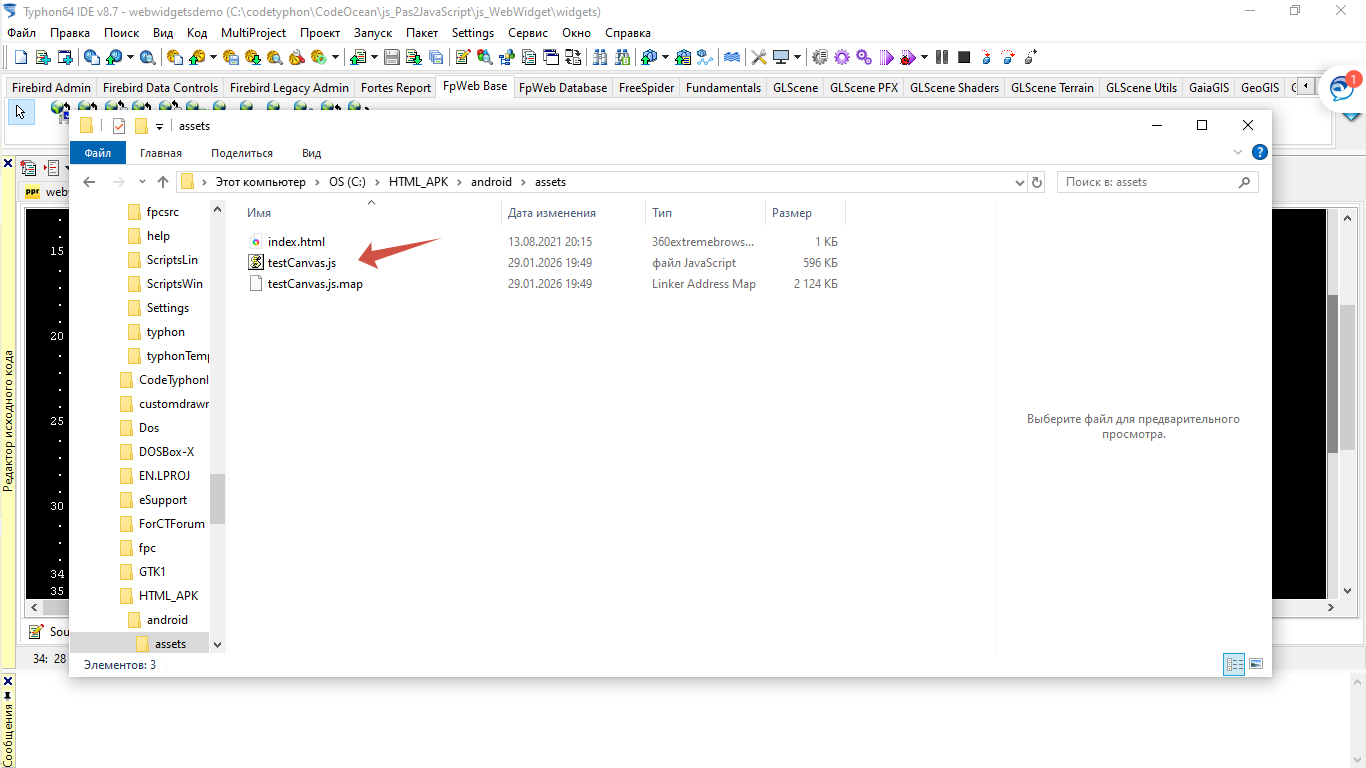
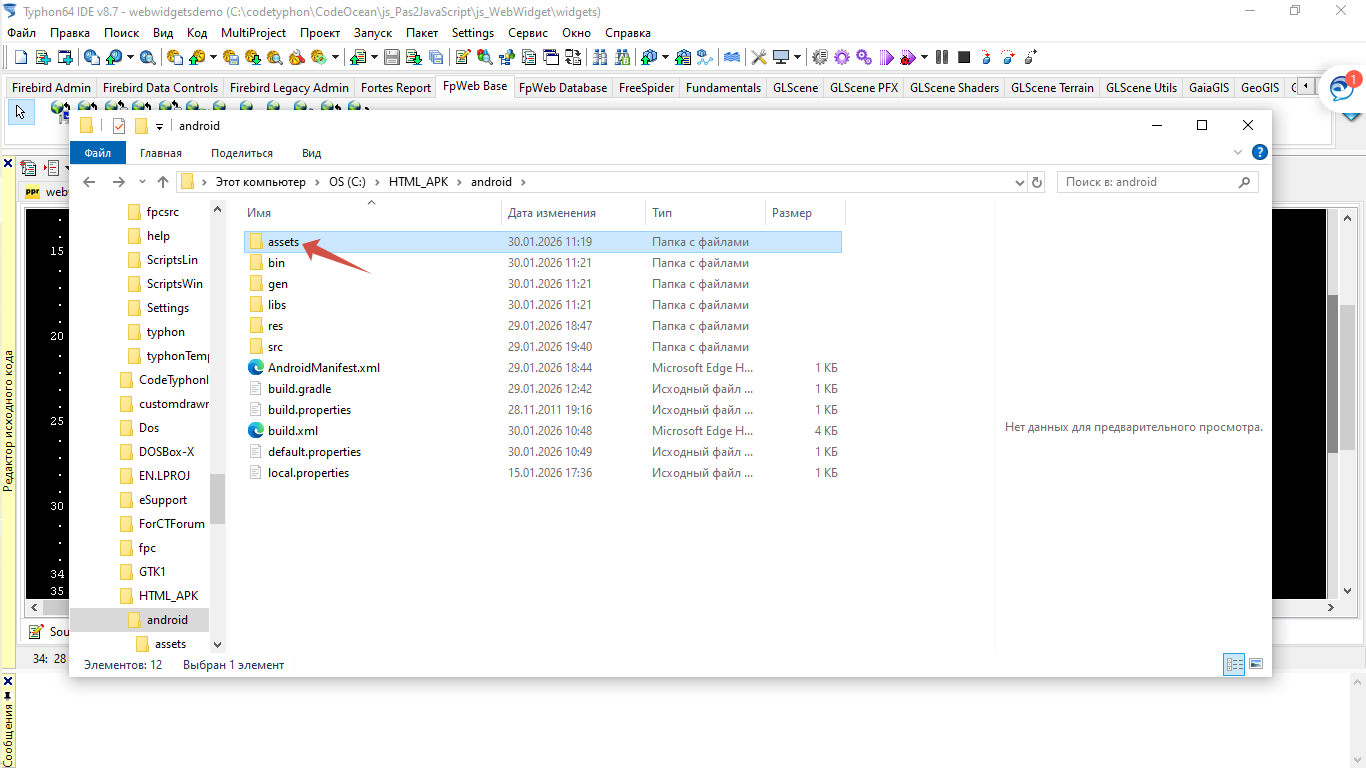
After that I have added the folder "assets" to the project.
And copied the files "testcanvas.js" and "testcanvas.js.map" into it.

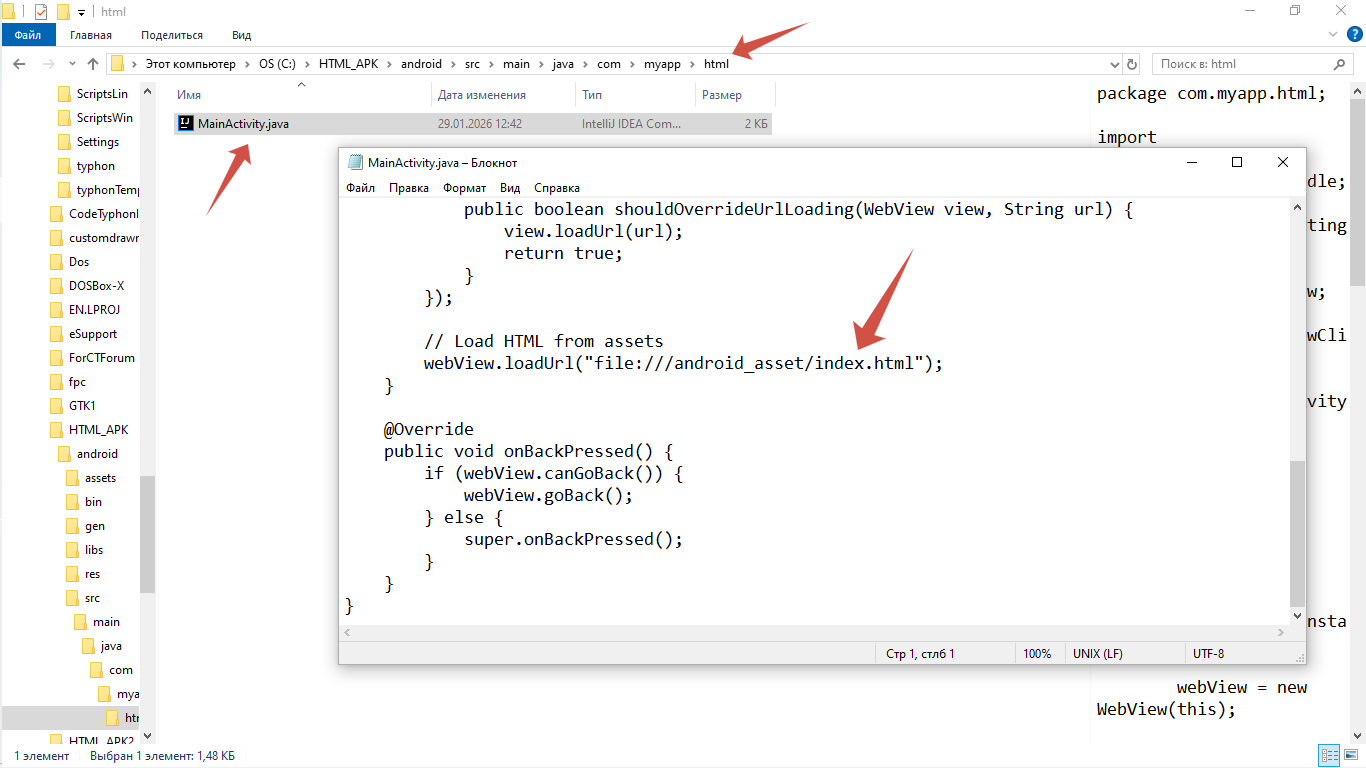
I renamed testCanvas.html into index.htlm because Java-launcher named MainActivity.java had this code
webView.loadUrl("file:///android_asset/index.html")

If you want you can change Url to "testcanvas.html".

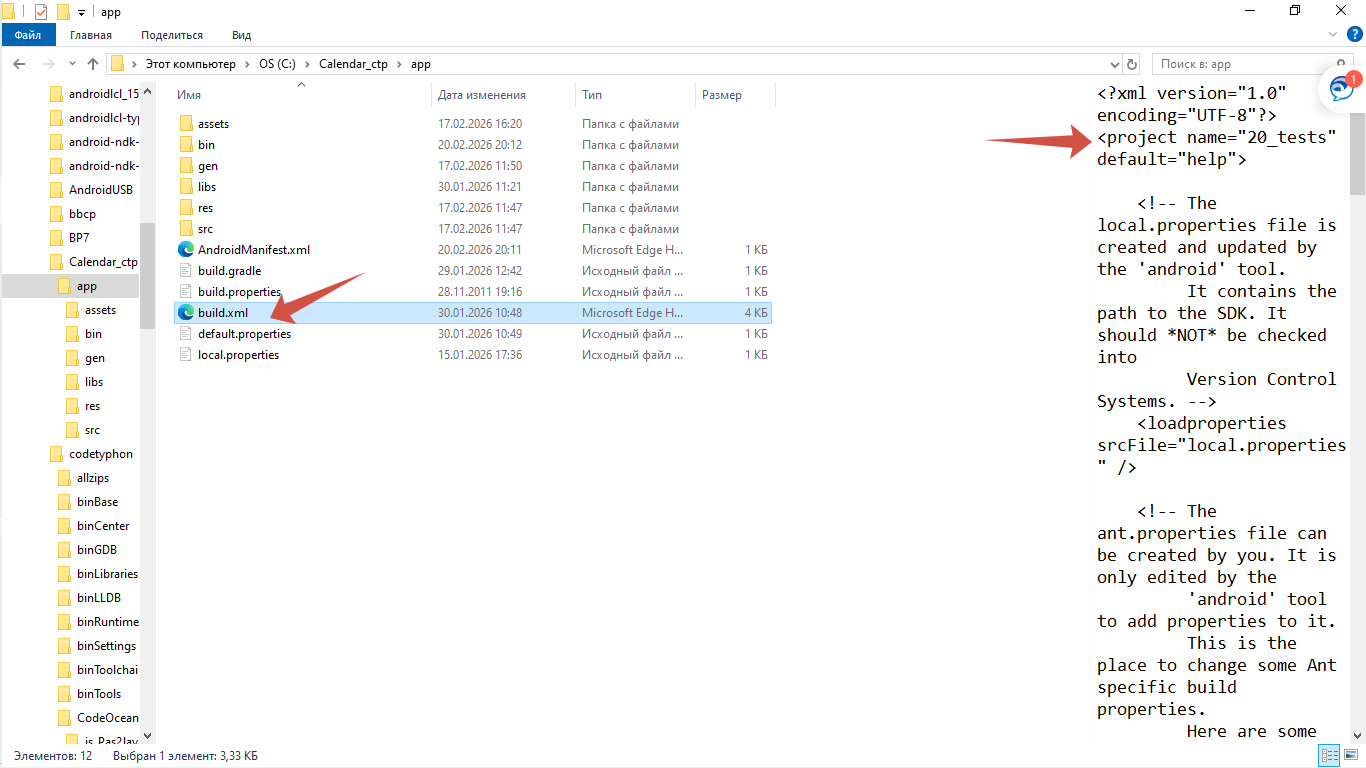
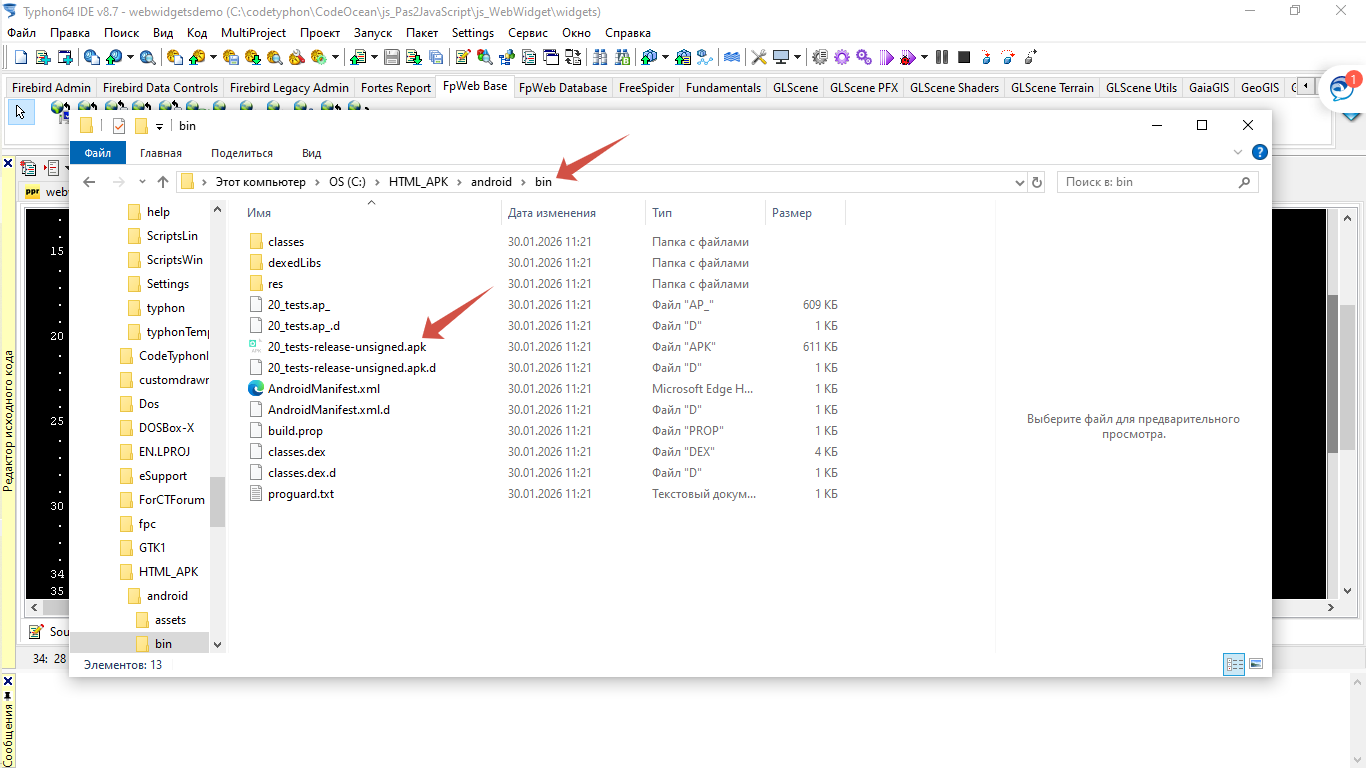
Then I have build the project with sdk in Android studio.

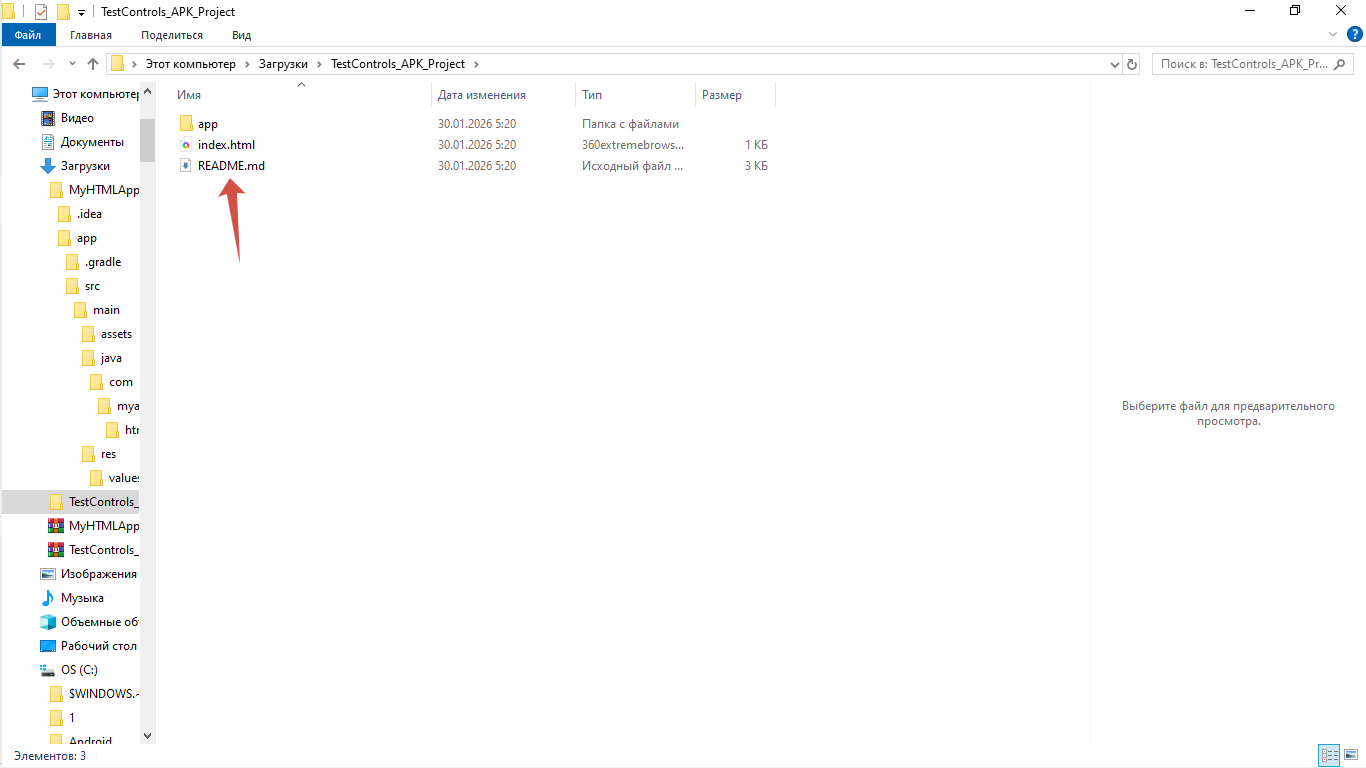
The instructions are given in file Readme.md 

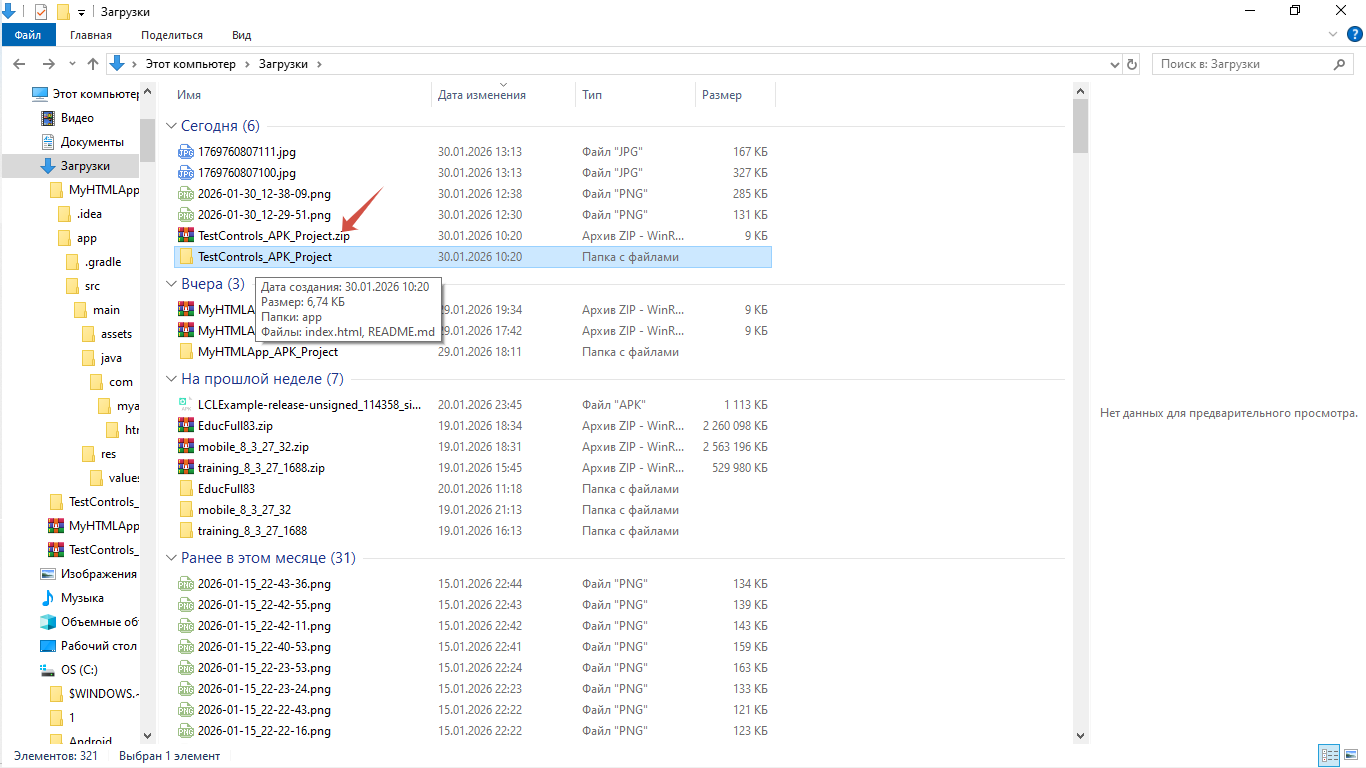
Check this file in downloaded zip-archive from the site htmltopdf.live/html-to-apk-converter/ .


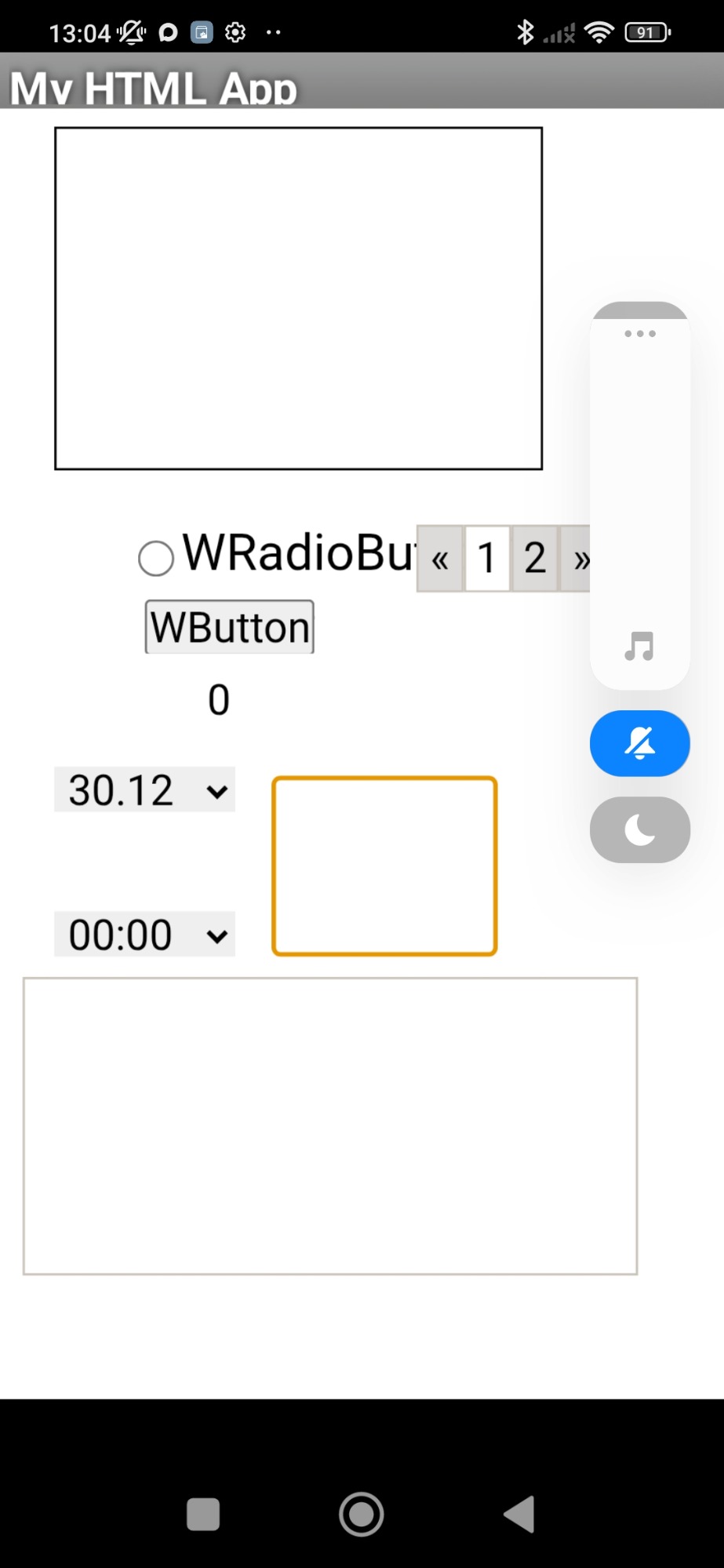
After that I have build another the project - CodeOcean\js_Pas2JavaScript\js_WebWidgetsGUI\10_testcontrols

And did the same steps I have mentioned above to create and build Android app.


Both Android applications successfully started on smartphone with Android 12.


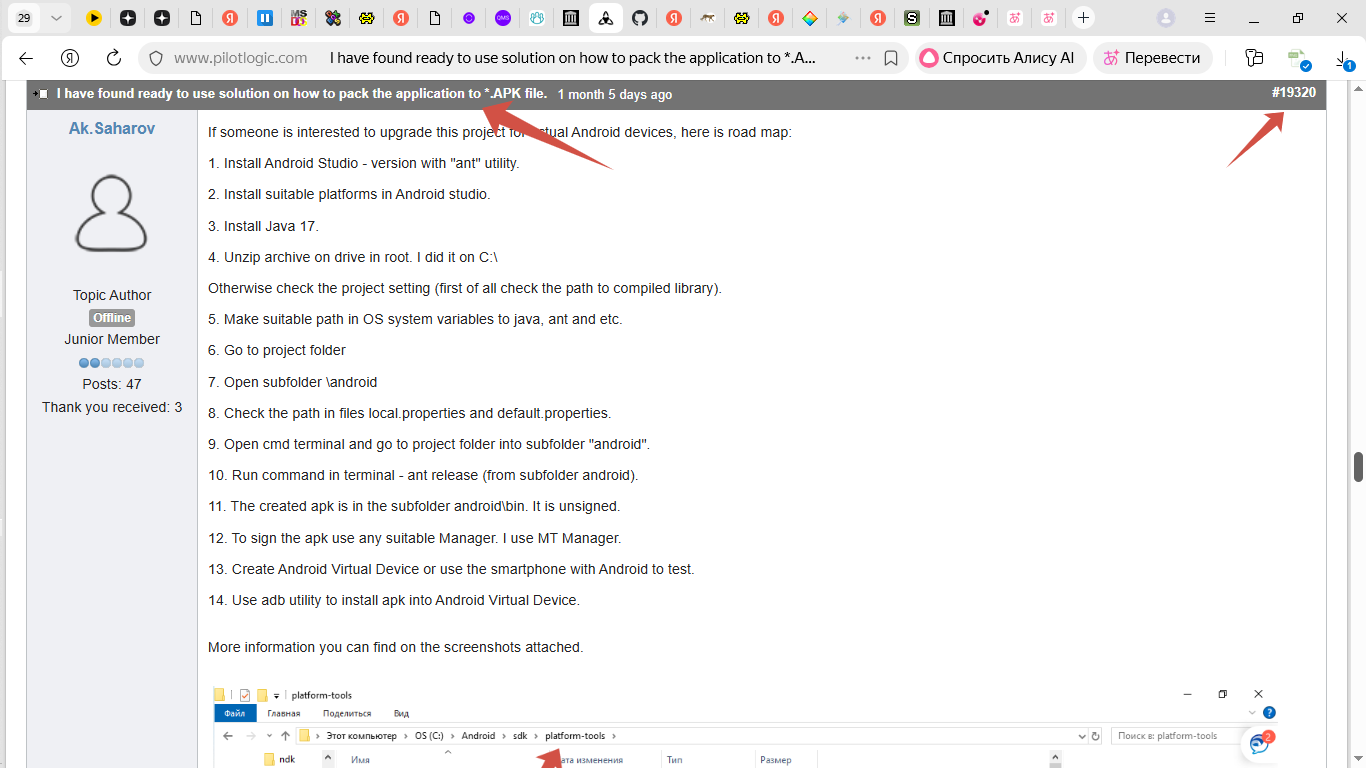
More information - on screenshots attached.


On tab jsGUI Base in CT there are many ready to use components .

I think this is quite enough for start in creating Android app with GUI.


Attachments:

Please Log in or Create an account to join the conversation.

Last edit: by Ak.Saharov. Reason: Topic name changed
  • Page:
  • 1